FREE Neon Gamer Party Invitation Template
What Makes This Theme So Fun and Engaging
Okay so I did not plan on loving the Neon Gamer Party idea this much but here we are. It actually started at home on a regular day when my kid was switching between games like it was a full time job. Lights off screen glowing snacks everywhere and somehow he was completely entertained for hours. And I just sat there thinking wait… why does this feel like a party already.
That is when it clicked. This theme is basically built for us. Kids are already obsessed with games so you are not forcing anything. They are happy they are busy and you are not running around trying to keep everyone entertained every five minutes. It is one of those rare themes where the fun kind of handles itself.
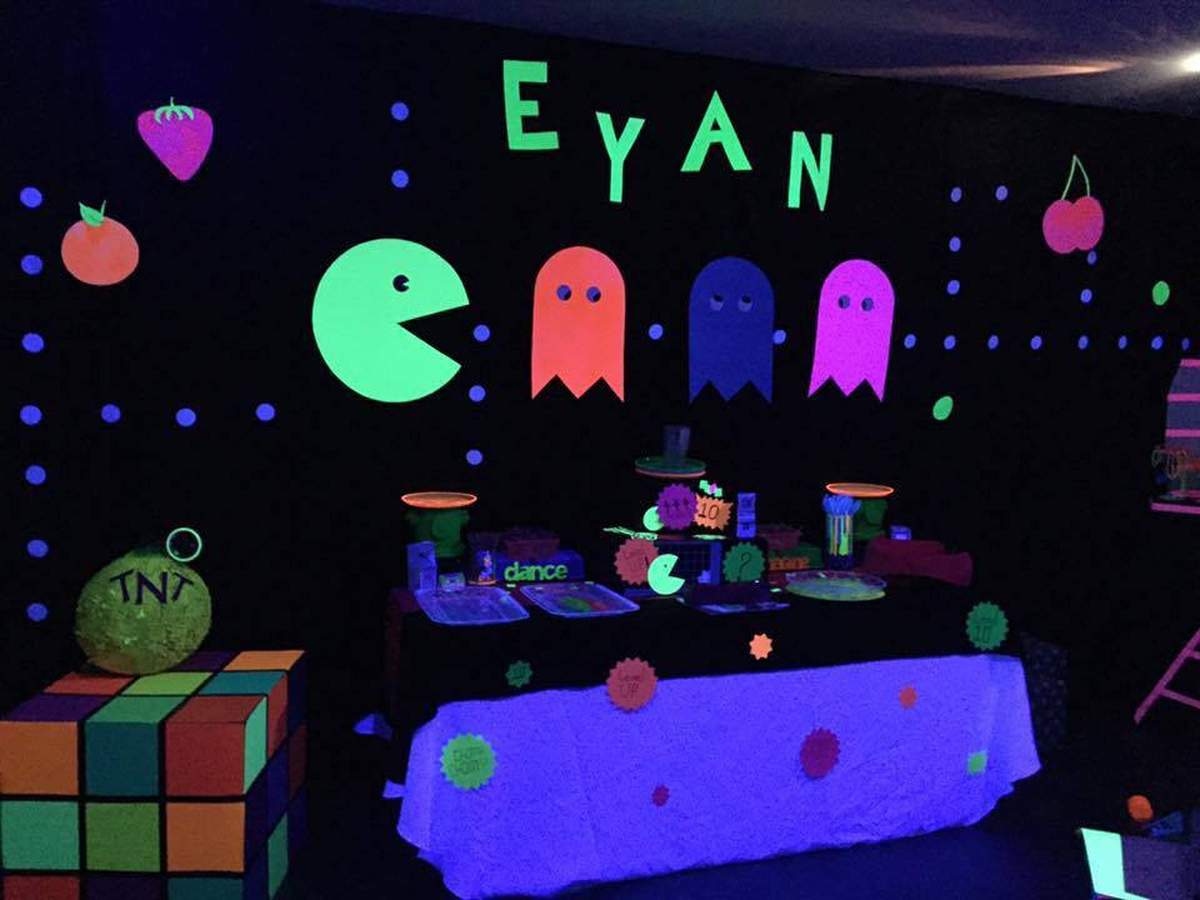
Credit: Blacklight Neon Vintage Arcade Birthday Party by Dream 2 Reality Events via Catch My Party
What I loved most is how natural it felt to plan. I was not stressing or overthinking every detail. I just followed the vibe and everything started coming together in a way that actually made sense. And like always it all starts with the invitation. That first little step where suddenly it feels real and you are like okay this party is actually happening. And from there everything just flows.
How Did I Design This at My Kitchen (lol)
Okay so when I started planning our Neon Gamer Party, I kept coming back to one thing. The invitation. And I know it sounds small but trust me it is not just a cute card with details. It is like the trailer before the movie. The second people see it they already imagine what the party is going to feel like.
I actually designed mine one night after dinner when the house was finally quiet which never lasts long. I opened my laptop thinking this will take ten minutes and suddenly I am deep into color palettes like it is a serious project. I tried soft colors at first and immediately knew nope this is not it. Gamer theme needs bold glowing energy.
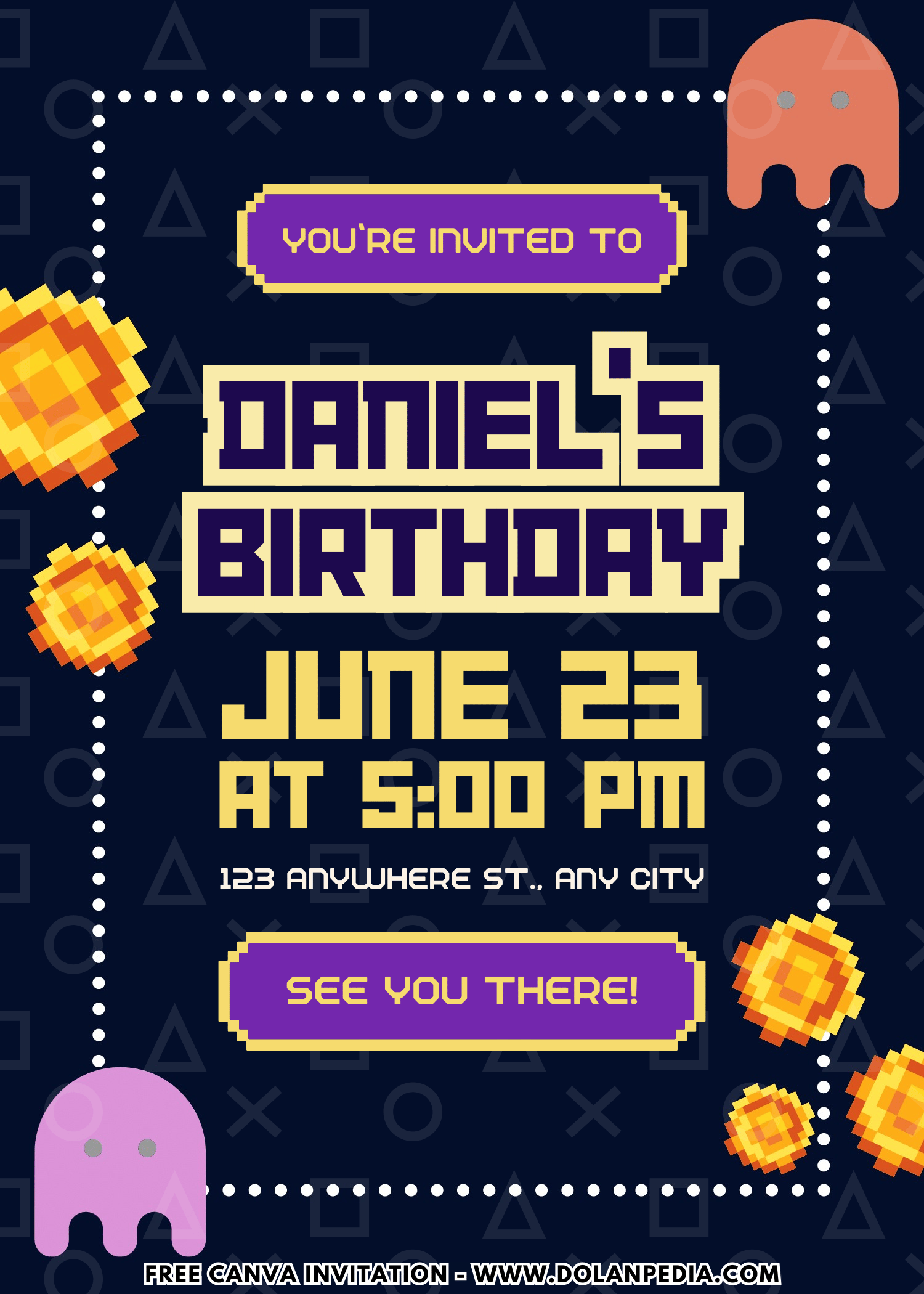
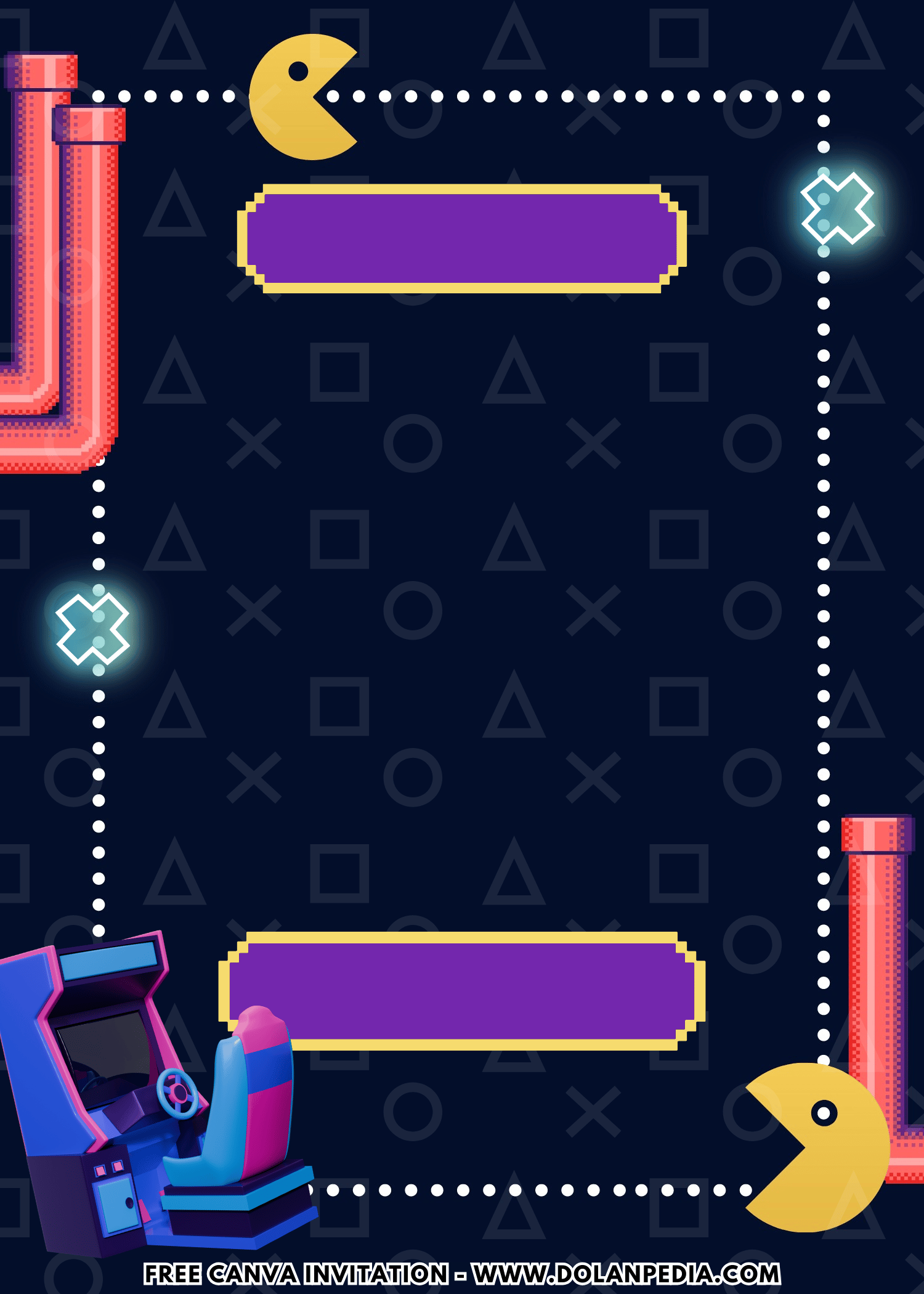
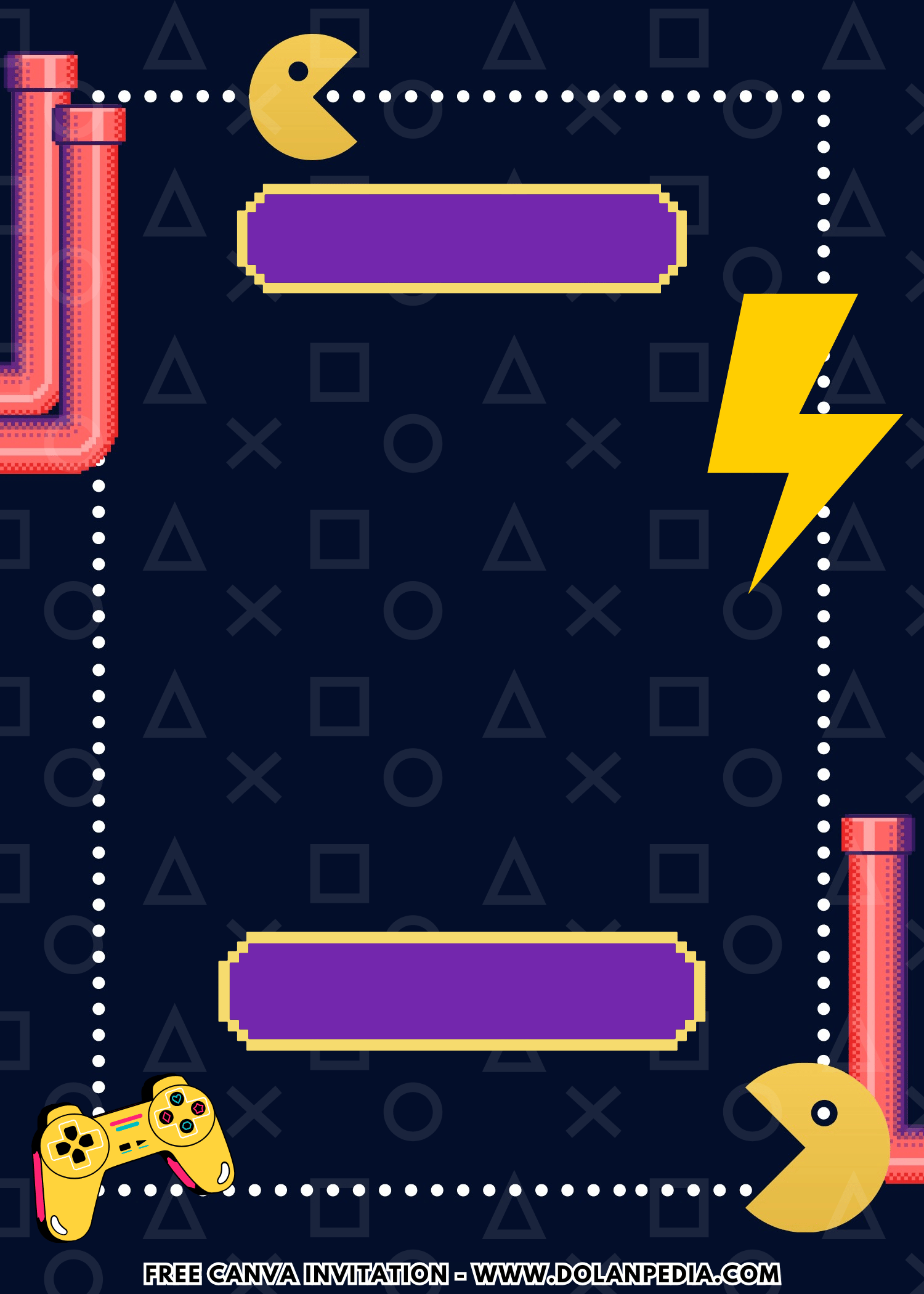
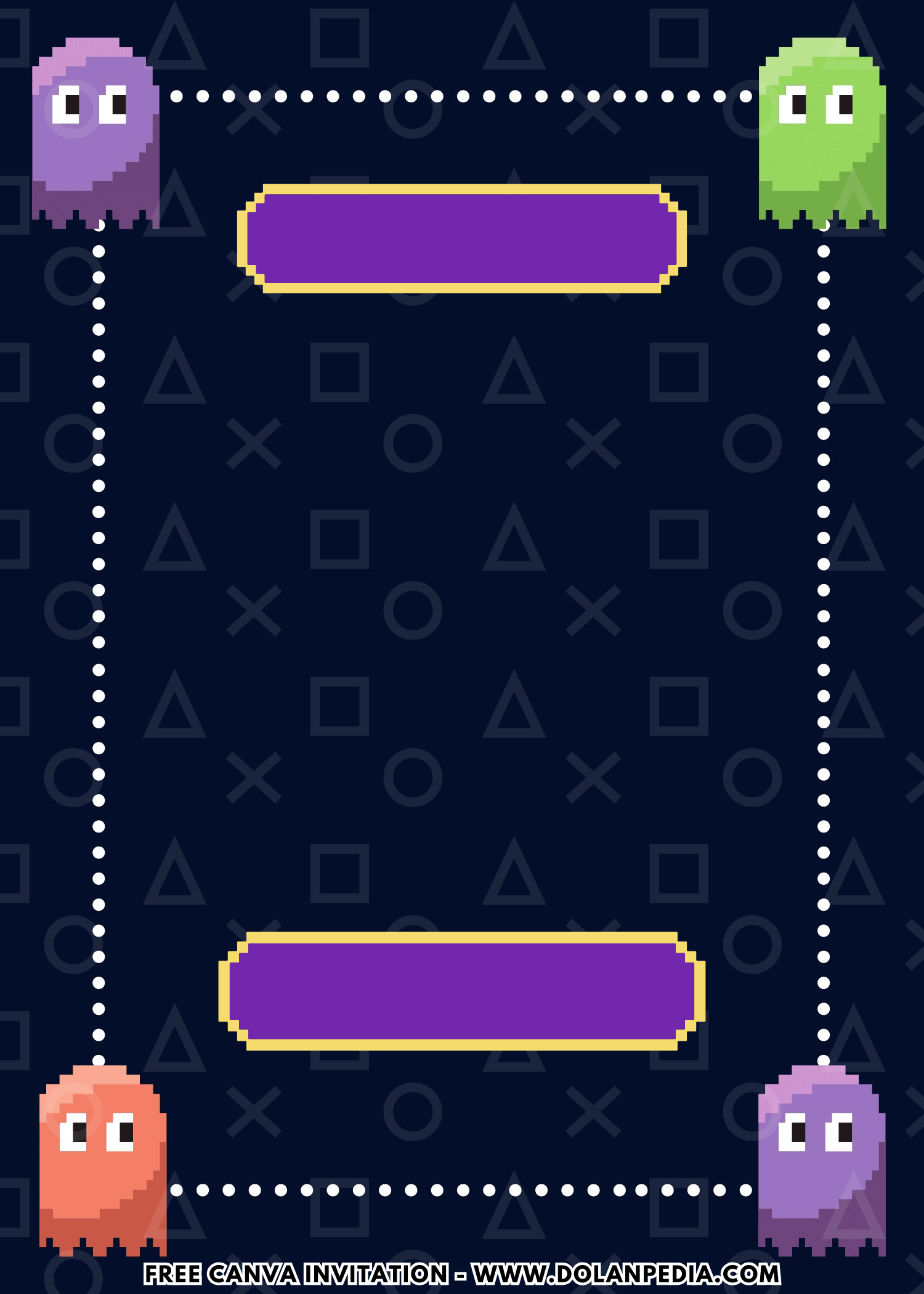
So I switched to neon colors bright pink blues and purples and everything just clicked. Then I added a darker background and suddenly it felt like an actual arcade. Like that moment when you walk into a game room and everything is glowing. That is the vibe I wanted.
And here is the part I always tell other moms. Once your invite looks this good everything else becomes easier. The colors are decided the theme is clear and you are not guessing anymore. Also I almost paid for a custom design until I saw the price and laughed a little. Because that money can go to snacks or games instead. So I used a template edited it in minutes and it still looked like I knew what I was doing.
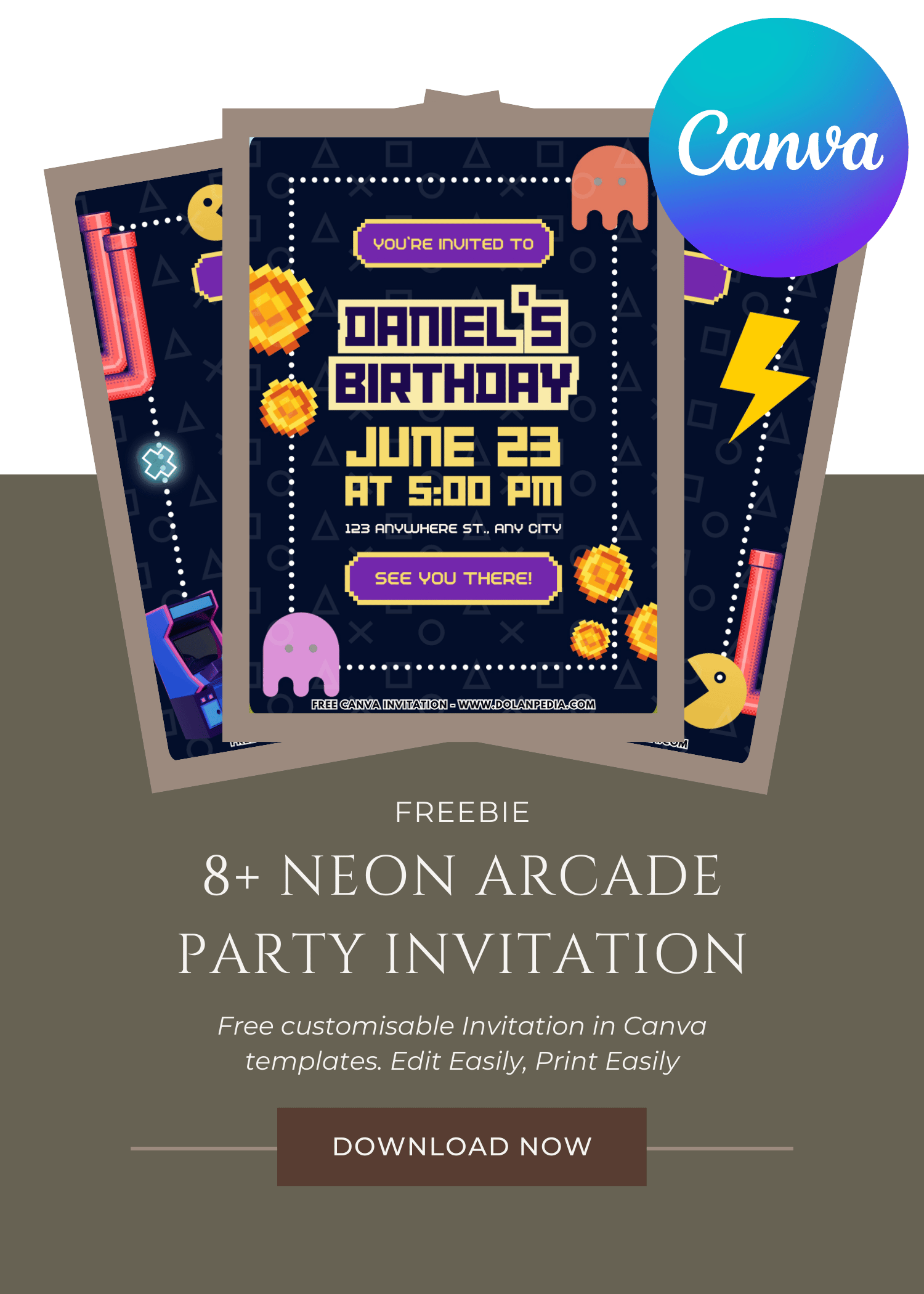
CUSTOMIZE AND DOWNLOAD YOUR INVITATION NOW ON CANVA
A Quick Mom-Friendly Guide
- Scroll up the page and find the “Customize & Download on Canva” button. That’s your starting point for creating the invitation.
- Click the button and wait a few seconds while the Canva page loads. You will see a preview of the invitation template design.
- Click “View Template” to open the editable version of the design.
- Personalize the invitation by adding your child’s name, party date, time, and location. You can also adjust the font size, colors, or wording to match your party theme.
- Once everything looks perfect, download your invitation by going to File, then Download, and selecting your preferred file type. PNG usually works best because it keeps the image clear and sharp.
- Save the file to your computer so it’s ready for printing or sharing digitally with friends and family.
- Now your invitation is ready to print or send. Easy, quick, and perfect for busy moms who still want their party to look adorable.
How to Print Your Invitation
- First, make sure the invitation file is saved on your computer. If you just downloaded it from Canva, it should already be in your Downloads folder.
- Open File Explorer on your computer and locate the invitation image file.
- Double click the file to open it in your computer’s photo viewer. Most Windows computers will open it in Windows Photo Viewer or the default photo app.
- At the top of the screen, click the Print option.
- Choose the printer you want to use. If you want bright and colorful invitations, make sure you select a color printer.
- Select the print size you prefer. Many moms like using photo paper or thicker cardstock to make the invitations feel a little more special.
- Check the “Fit picture to frame” option if you want the design to fill more of the page. Sometimes this helps reduce white borders, but it may trim a tiny bit of the edges.
- Once everything looks good, click Print.
And just like that, your invitations are ready to hand out. Slip them into envelopes, pop them into backpacks, or hand them to other moms during school pick up. One more party task checked off the list.
How Do You Make a Cake Look Fun on a Budget
I learned very quickly that the cake does not need to be complicated. I grabbed a basic cake and gave it a little glow up at home. Dark frosting as the base because it instantly gives that gamer vibe and then I added bright neon colors on top. It was not perfect but it looked fun and honestly that is all that matters.
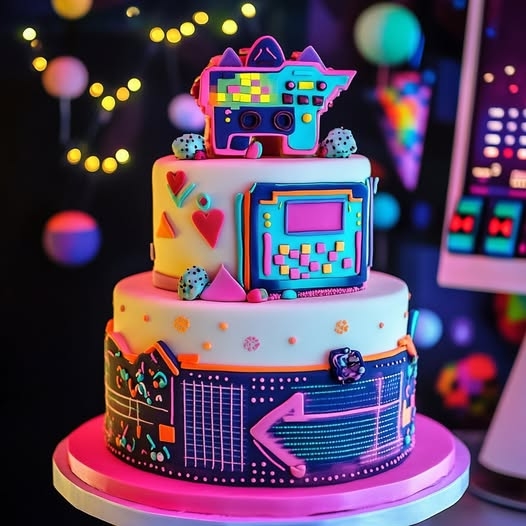
Credit: Neon Retro Arcade Cake by Bakes and Cakes (The Cake Gallery) on Facebook
At one point I tried to fix the frosting and made it worse so I just stopped and laughed. And guess what the kids thought it looked amazing. They were more focused on the colors and the moment than any tiny detail I was stressing about. If you want to keep it even easier just add a simple topper and call it a day. The theme will still come through and you will save yourself so much time.
How Did This Simple Theme Feel So Big
Okay so after our Neon Gamer Party, when everything started to slow down, I had that moment. You know the one where the music is quieter decorations are slightly falling apart and you are just standing there taking it all in. I was tired but also kind of smiling at the same time.
Because even after the games ended the kids were still talking about it. Comparing scores laughing about who almost won and holding onto their little prizes like it was a big deal. And that is when it really hit me. The decorations and invites were just the beginning but the fun they had together was the real win.
Speaking of party invitation, we avoid to see anything basic, especially when it comes to birthday celebration. By unusual, I mean something that isn’t typical Floral or Disney theme, but rather something like what’s in this page or maybe you want to see other themes like Epic Fortnite and Awesome PUBG themed birthday invitation templates.