FREE Cute Groovy 70s Style Party Invitation
What Makes This Theme So Fun and Stress Free
Okay but tell me why the second I started planning a Cute Groovy 70s Style Party, I felt like I accidentally signed up to host a mini dance festival. Disco balls daisies bright colors everywhere and somehow it all just works. At first I thought it would be too much like loud and chaotic but it ended up being the fun kind of chaos that kids actually love.
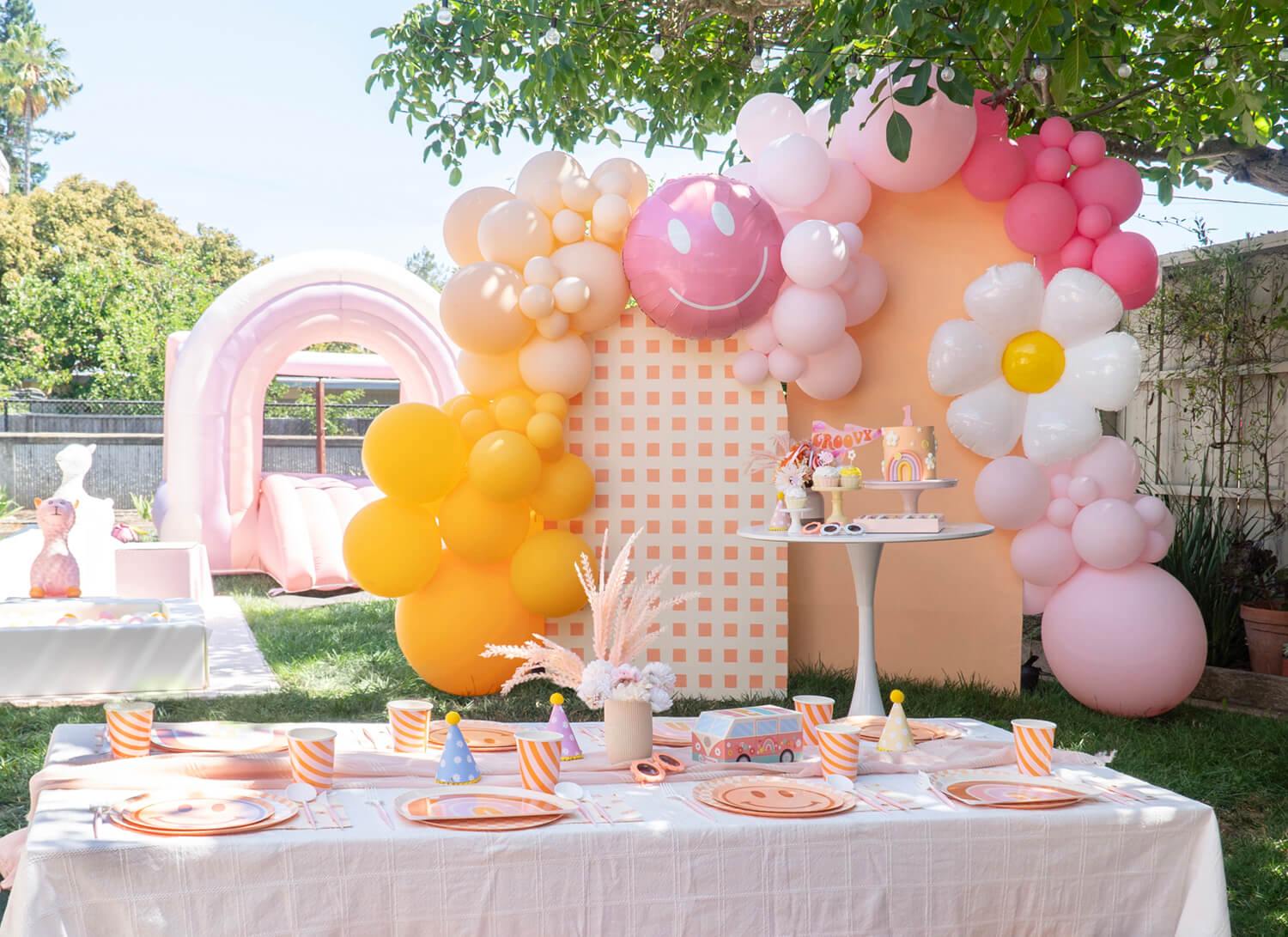
Credit: “Groovy One” Girl’s First Birthday Party Ideas by Momo Party
Why This Invite Made My Party Feel So Put Together
Okay so before I even hung one disco ball for our Cute Groovy 70s Style Party, I had a moment. You know that moment where you start adding things to your cart and suddenly the total looks a little too serious. That was me with invitations. I almost paid for a custom design and then paused like wait… this is for a three hour party.
So I went the DIY route and honestly it changed everything. The invite I used had those fun bubble letters that instantly gave that retro disco vibe. Bright colors a cute disco ball and little details that made it feel playful without being too much. It looked exciting like the party had already started.
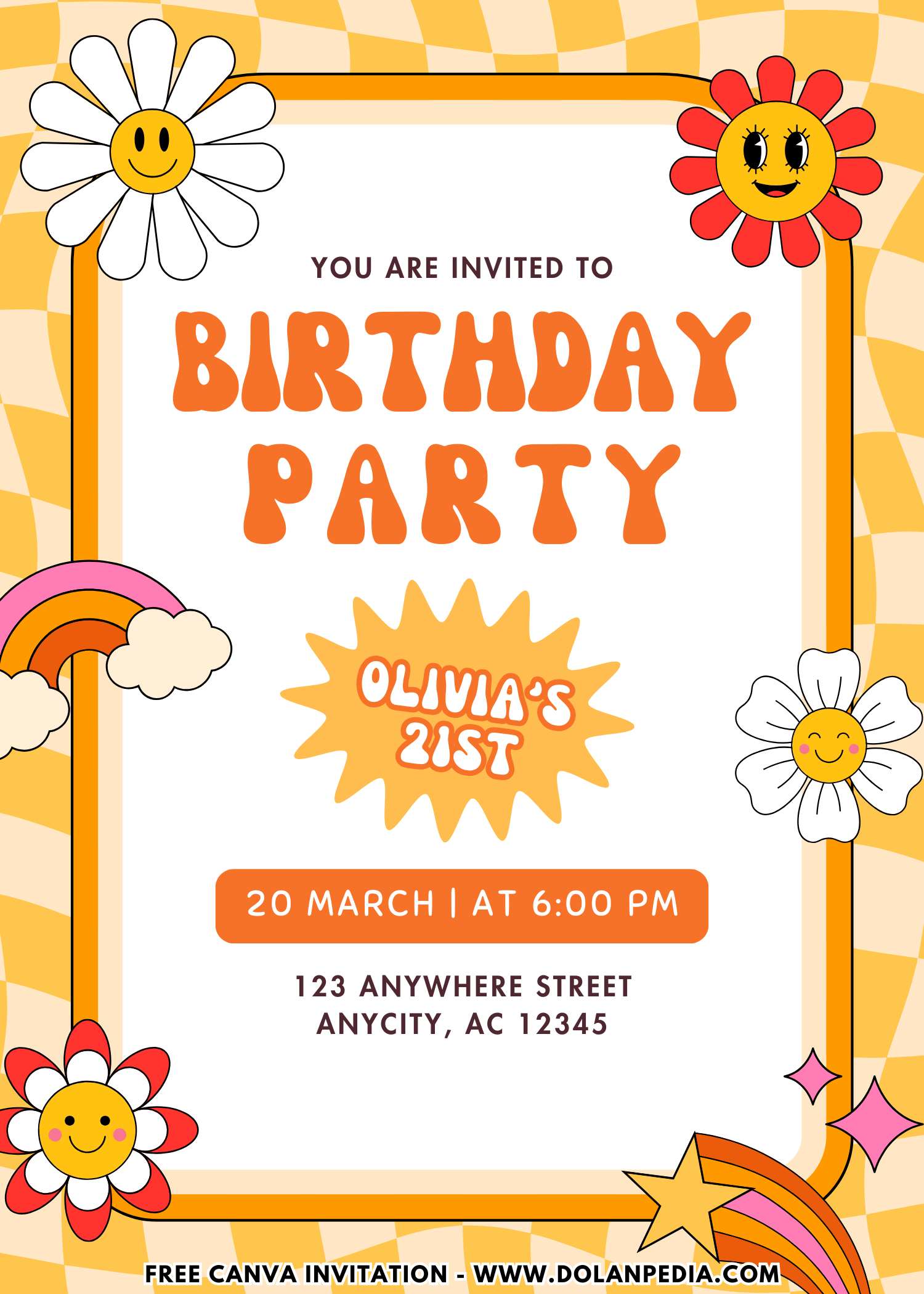
And here is what I did not expect. That one invite basically set my whole theme. The colors the decorations even the vibe of the party all came from that design. It made everything feel more put together without me overthinking every decision.
Also can we talk about how important it is that parents can actually read the details. I made sure everything was clear and easy because no one has time to zoom in and figure out the address. Simple layout big win. The best part was how easy it was to customize. I opened it changed the details in minutes and that was it. No waiting no back and forth no extra cost. And it still looked like I knew what I was doing.
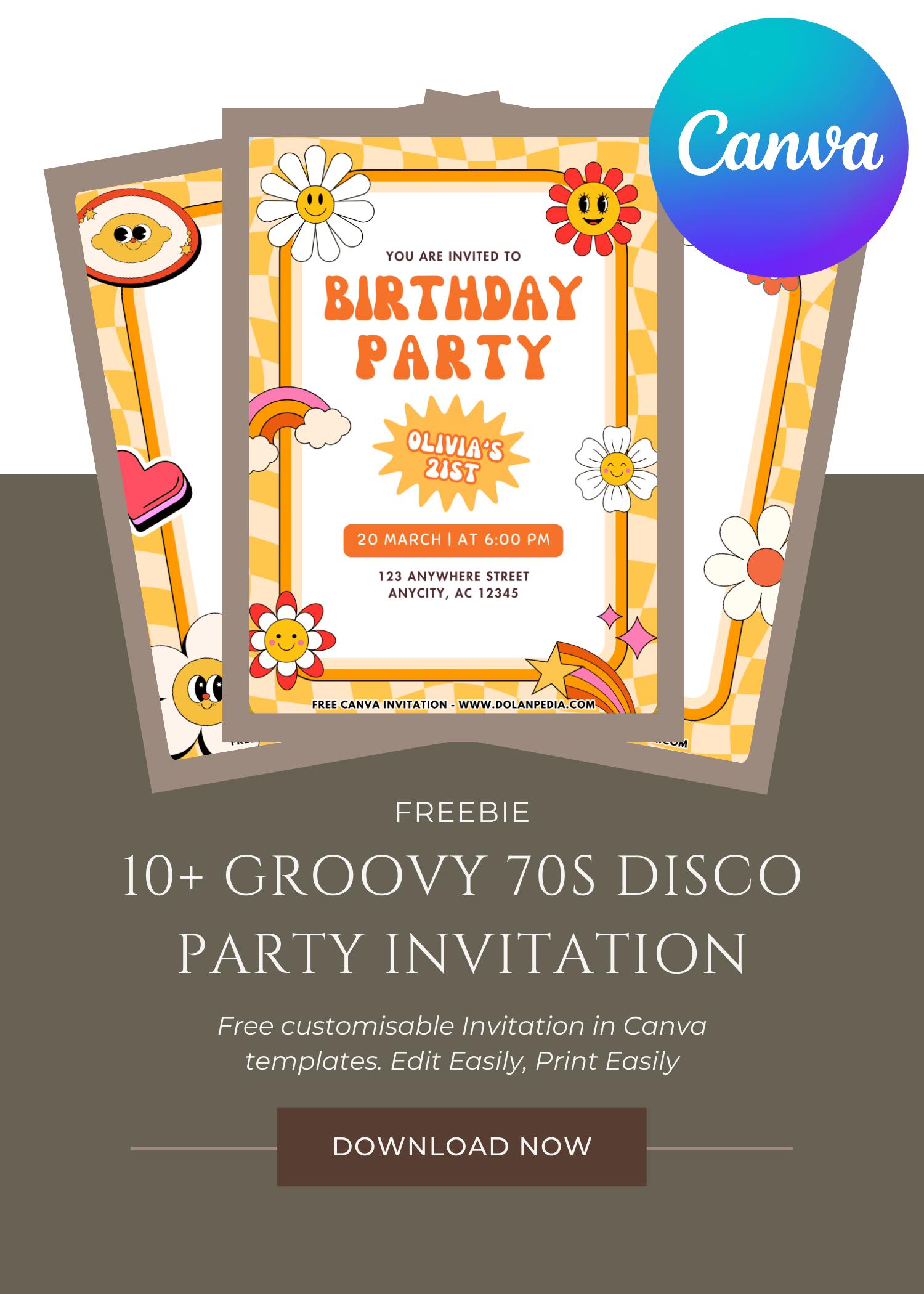
CUSTOMIZE AND DOWNLOAD YOUR INVITATION NOW ON CANVA
A Quick Mom-Friendly Guide
- Scroll up the page and find the “Customize & Download on Canva” button. That’s your starting point for creating the invitation.
- Click the button and wait a few seconds while the Canva page loads. You will see a preview of the invitation template design.
- Click “View Template” to open the editable version of the design.
- Personalize the invitation by adding your child’s name, party date, time, and location. You can also adjust the font size, colors, or wording to match your party theme.
- Once everything looks perfect, download your invitation by going to File, then Download, and selecting your preferred file type. PNG usually works best because it keeps the image clear and sharp.
- Save the file to your computer so it’s ready for printing or sharing digitally with friends and family.
- Now your invitation is ready to print or send. Easy, quick, and perfect for busy moms who still want their party to look adorable.
How to Print Your Invitation
- First, make sure the invitation file is saved on your computer. If you just downloaded it from Canva, it should already be in your Downloads folder.
- Open File Explorer on your computer and locate the invitation image file.
- Double click the file to open it in your computer’s photo viewer. Most Windows computers will open it in Windows Photo Viewer or the default photo app.
- At the top of the screen, click the Print option.
- Choose the printer you want to use. If you want bright and colorful invitations, make sure you select a color printer.
- Select the print size you prefer. Many moms like using photo paper or thicker cardstock to make the invitations feel a little more special.
- Check the “Fit picture to frame” option if you want the design to fill more of the page. Sometimes this helps reduce white borders, but it may trim a tiny bit of the edges.
- Once everything looks good, click Print.
And just like that, your invitations are ready to hand out. Slip them into envelopes, pop them into backpacks, or hand them to other moms during school pick up. One more party task checked off the list.
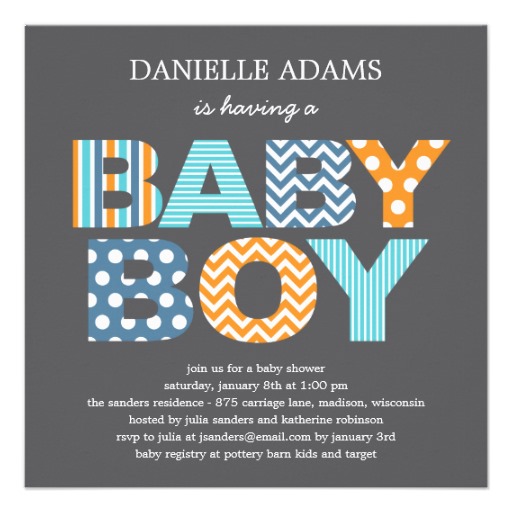
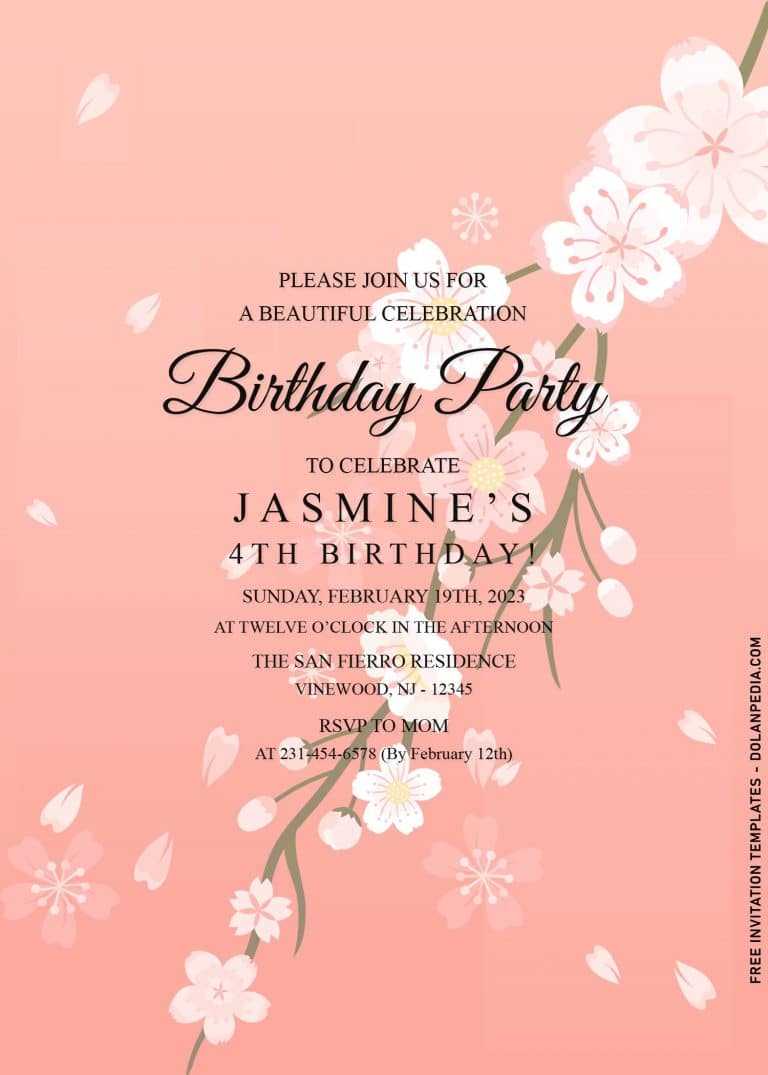
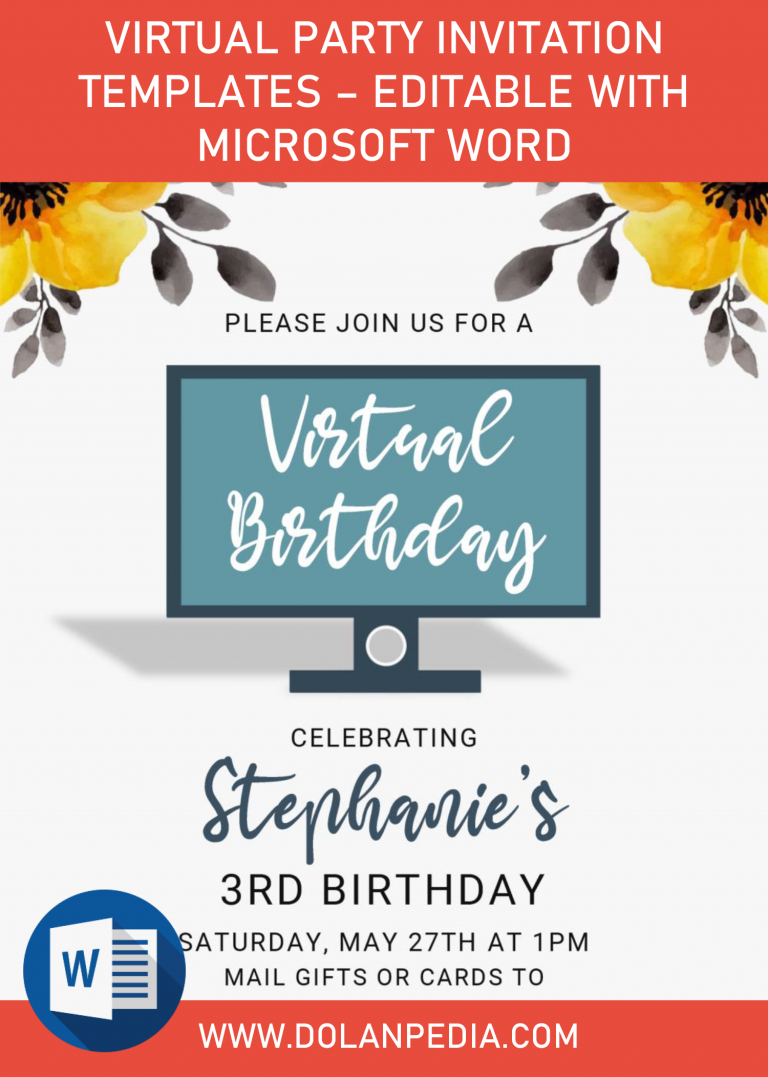
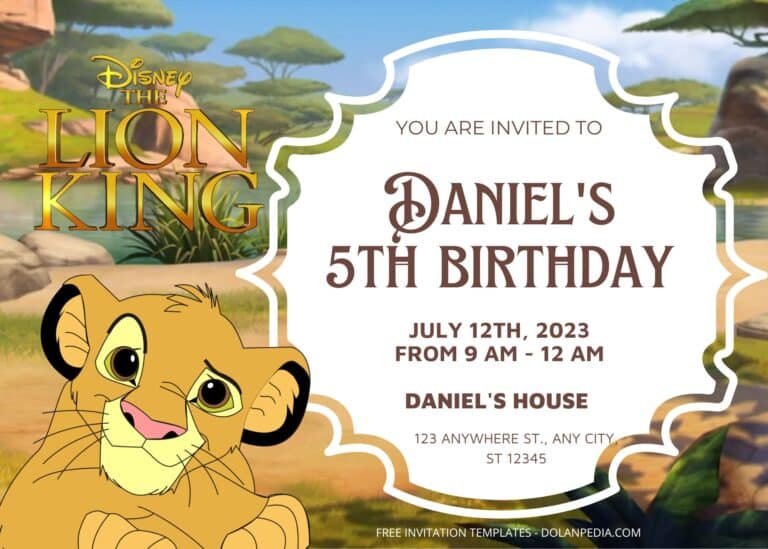
Speaking of party invitation, we avoid to see anything basic, especially when it comes to birthday celebration. By unusual, I mean something that isn’t typical Floral or Disney theme, but rather something like what’s in this page or maybe you want to see other themes like Retro Roller Skating and Adorable Retro Roller Skating themed birthday invitation templates.
How Did I Make My Own Retro Groovy Cake
I used to think I needed some super detailed cake to match the whole disco vibe but honestly I learned real quick that simple works best. I went with a soft pink cake added some sparkles and a few daisy details and suddenly it looked like I actually planned this. It gave fun retro energy without me stressing over every little detail.
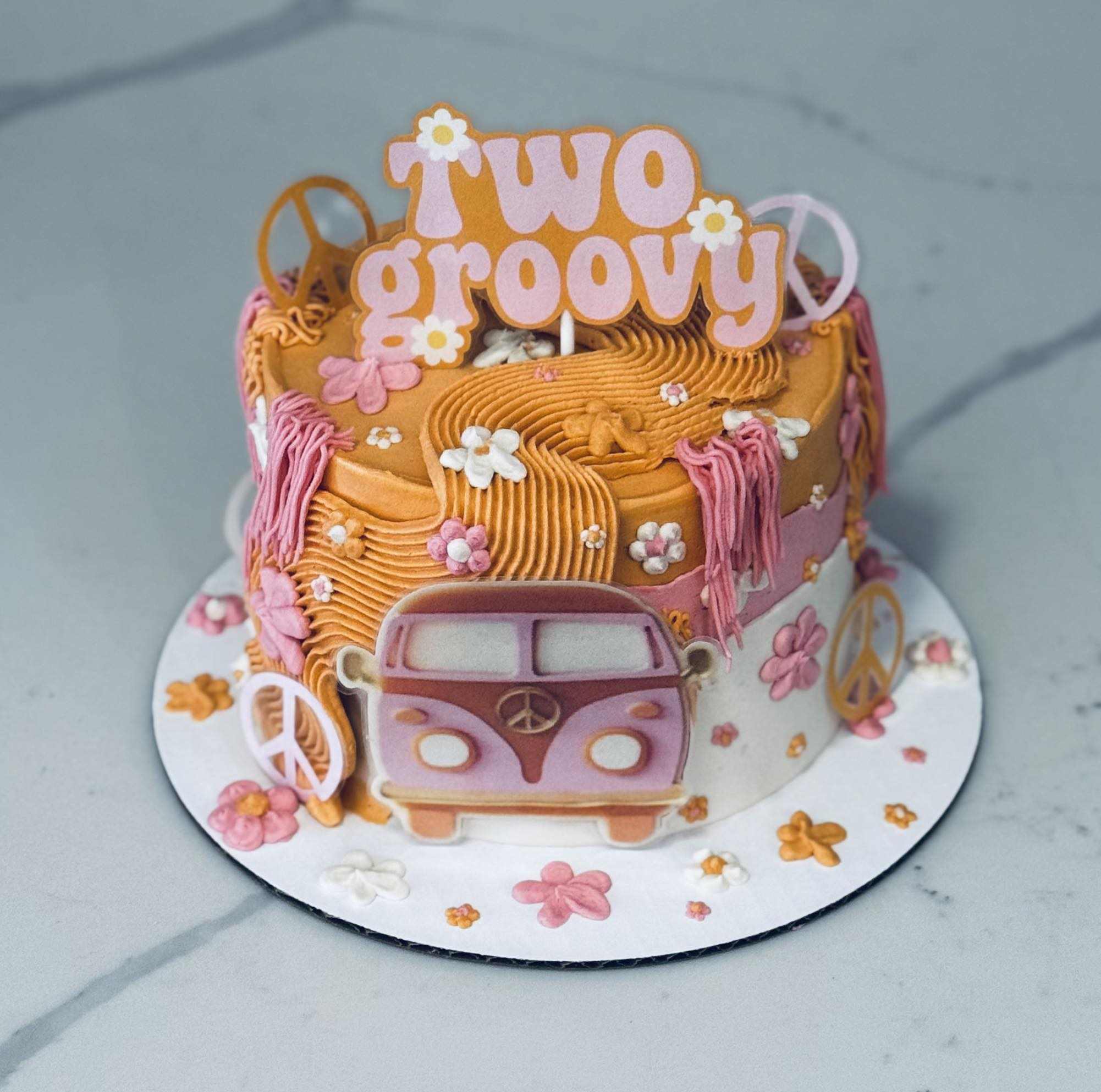
Credit: Retro Cake for the Grooviest Little Birthday Girl by Desfosses Desserts on Facebook
And if baking is not your thing at all just grab a plain cake and decorate it yourself. Add a topper maybe a little glitter and done. No one is checking your frosting skills. They just see cake and get excited. Cupcakes are also such a win for this theme. I tried mixing two colors once and it looked way cooler than I expected. Put them on a tray and suddenly you have this whole cute setup without extra effort.
Was This the Best Dance Party Ever?
Okay so after the music stopped at our Cute Groovy 70s Style Party and the kids were tired but still showing off their last dance moves, I had that moment where I just looked around like wow… what just happened. The disco ball was barely spinning balloons were leaning to one side and somehow there was glitter everywhere like it had a mind of its own.
And yes not everything was perfect. The cake was a little messy the playlist paused at the worst time and one decoration literally gave up halfway through. But none of that mattered. The kids were laughing dancing and just fully in the moment like it was the best party ever.