FREE Gummy Jelly Bear Party Invitation Template
How Did a Simple Candy Idea Turn Into the Cutest Party Ever
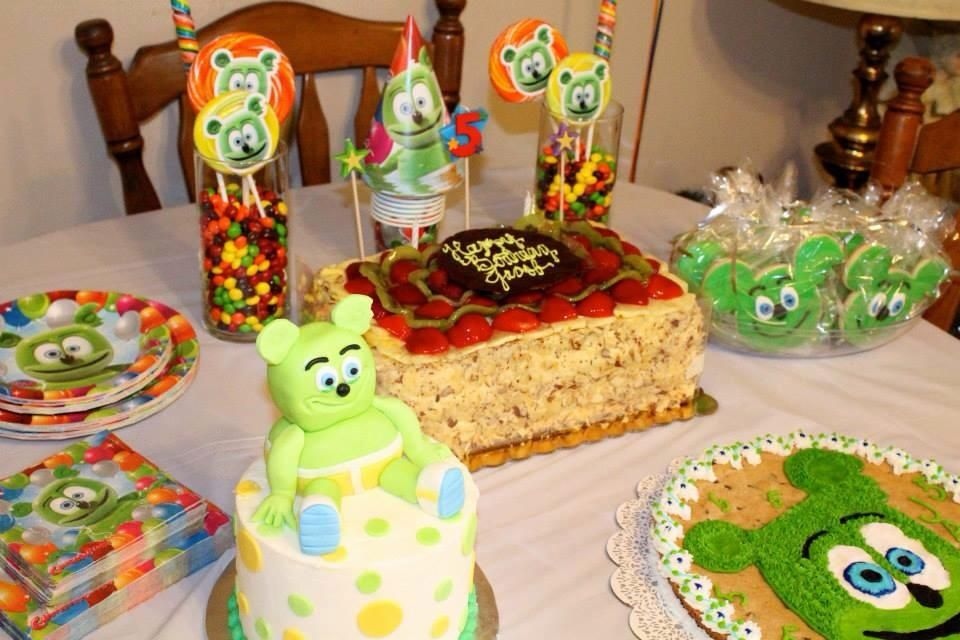
How I ended up planning a full Gummy Jelly Bear Party? when I thought we were just putting candy in bowls and calling it a day. My daughter casually said she wanted gummy bears and I was like perfect easy no stress. In my head I pictured a simple setup and maybe a little sugar rush chaos. But somehow it turned into this bright colorful party that looked way more put together than I expected.
Credit: Gummibär The Gummy Bear on Pinterest
How Did I Make a Party Invite Look This Fun In 10 Minutes
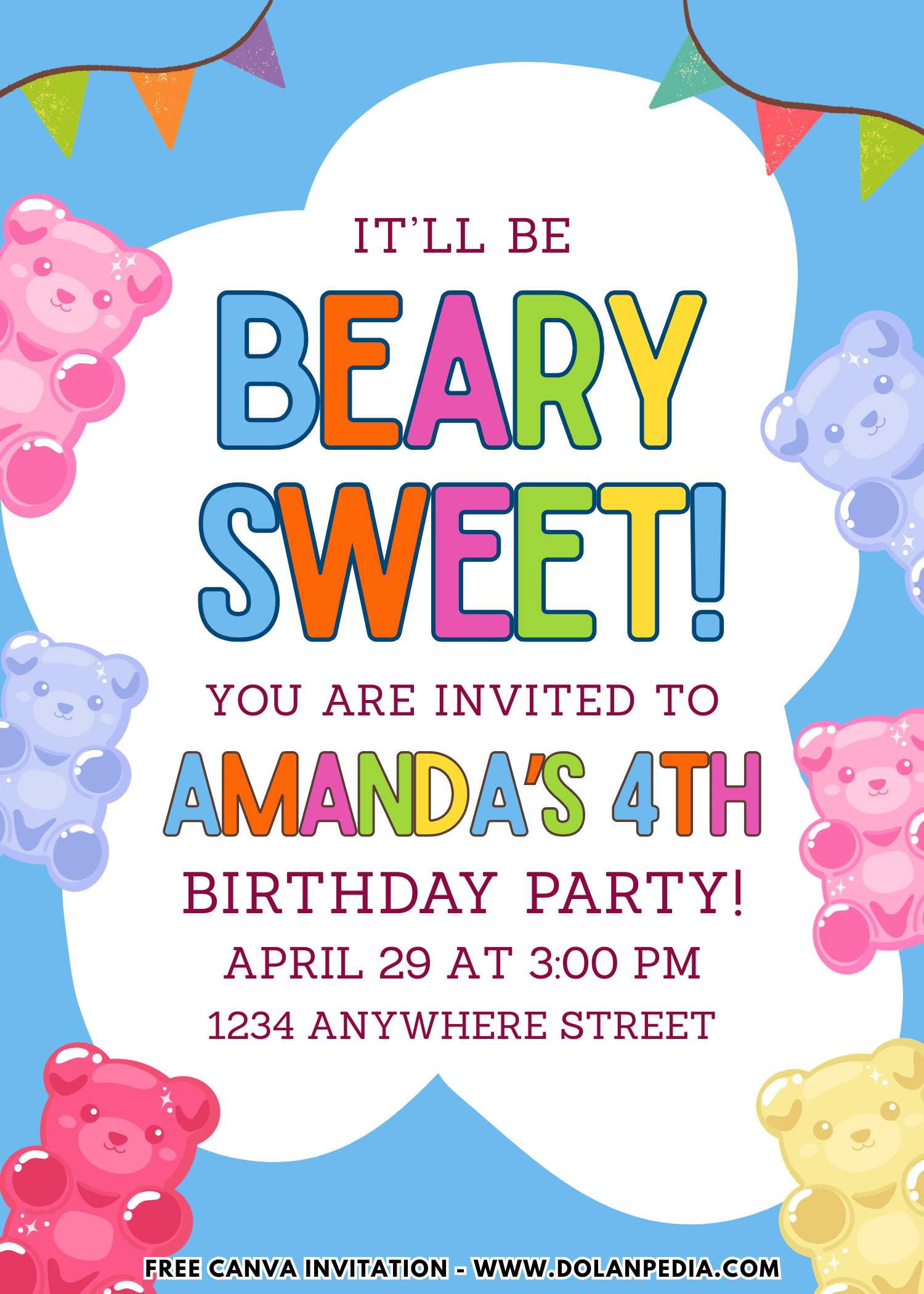
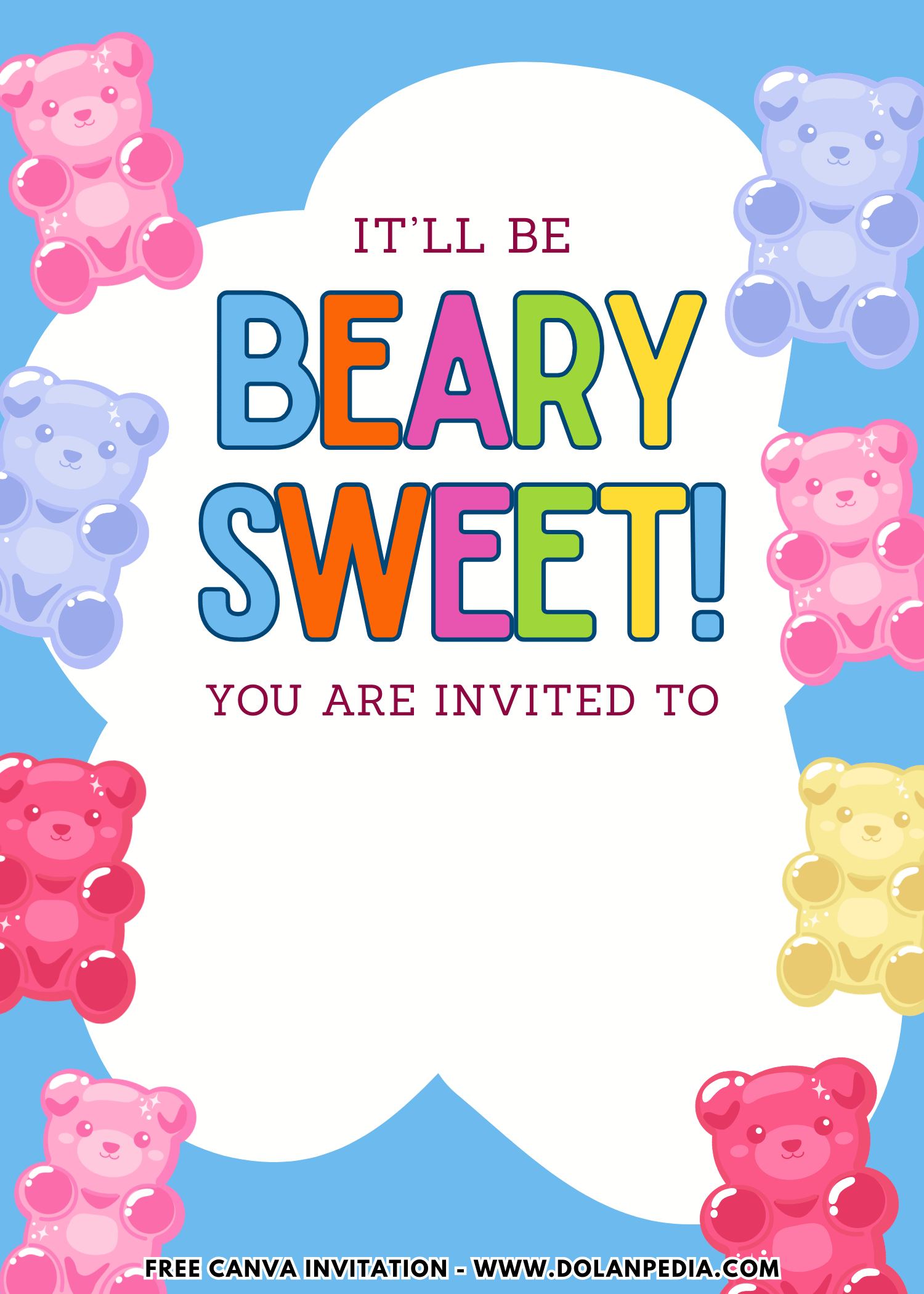
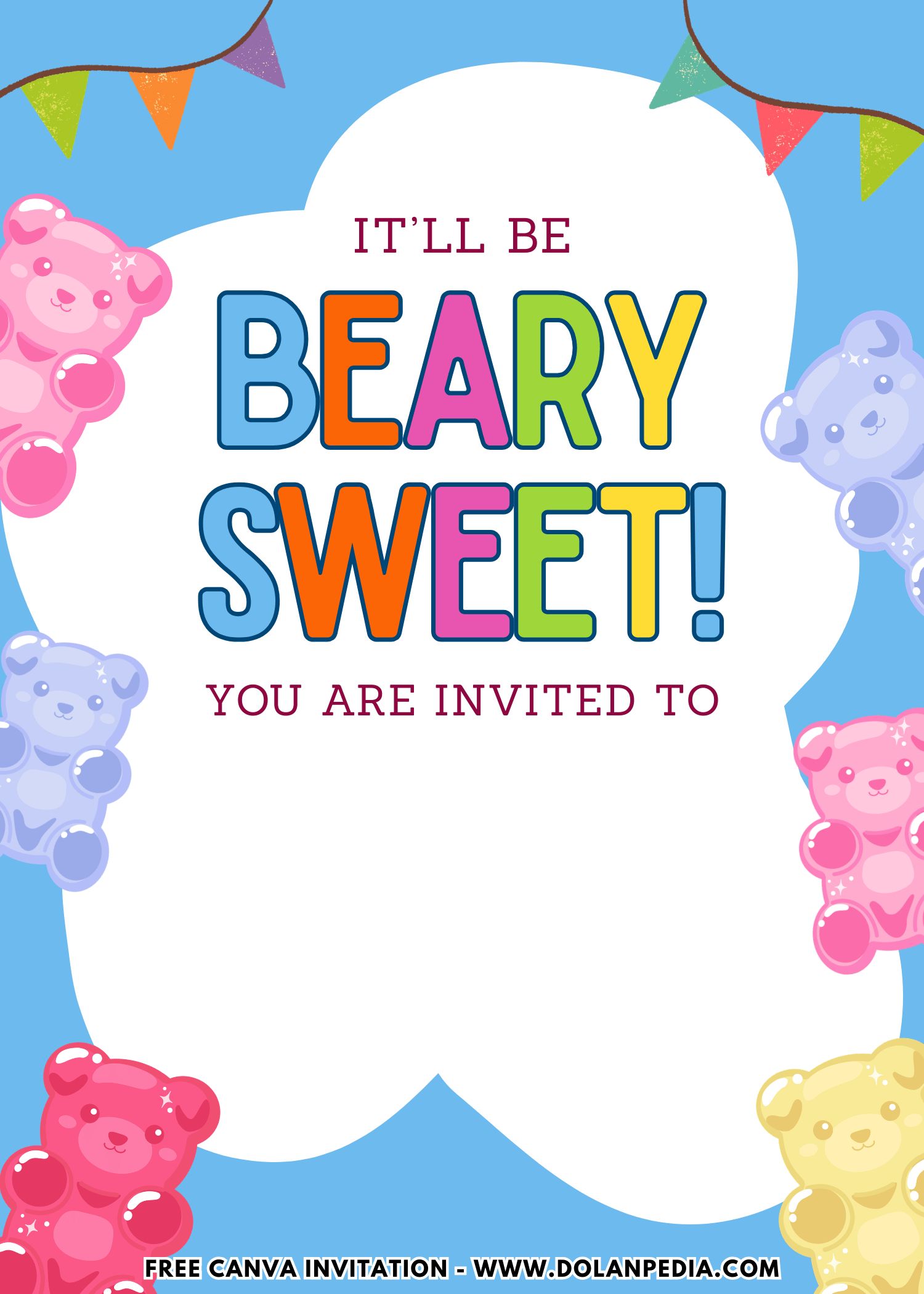
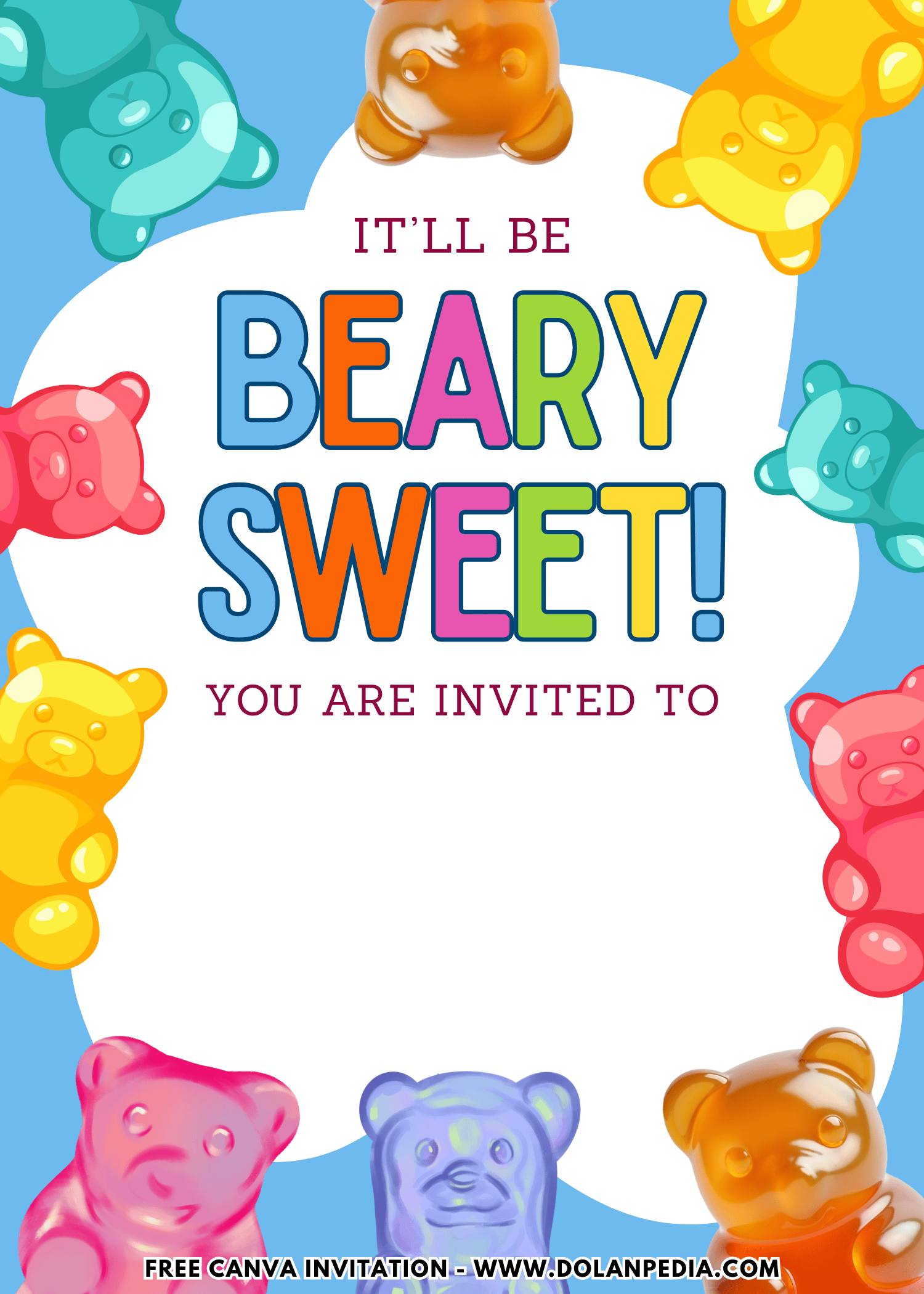
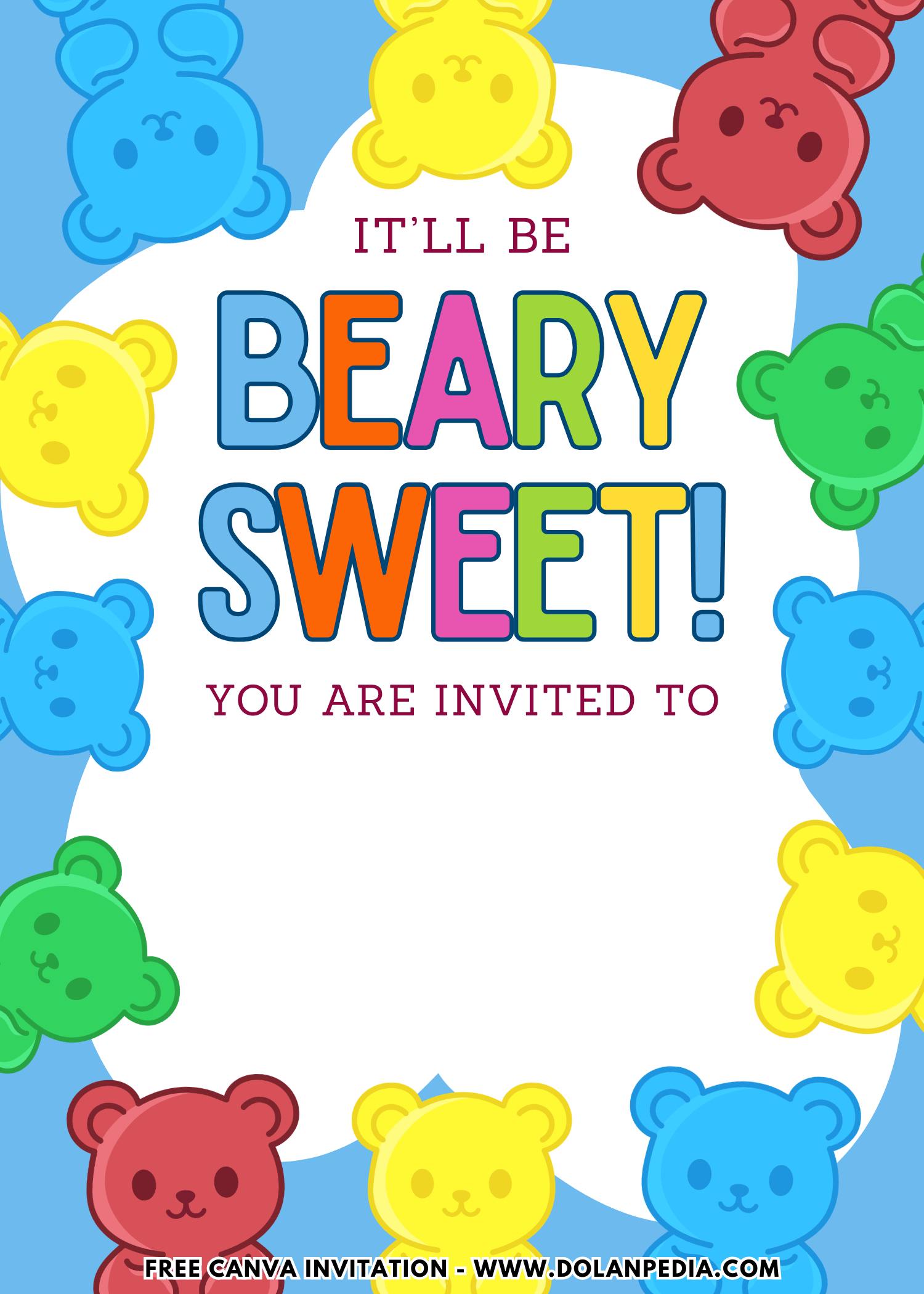
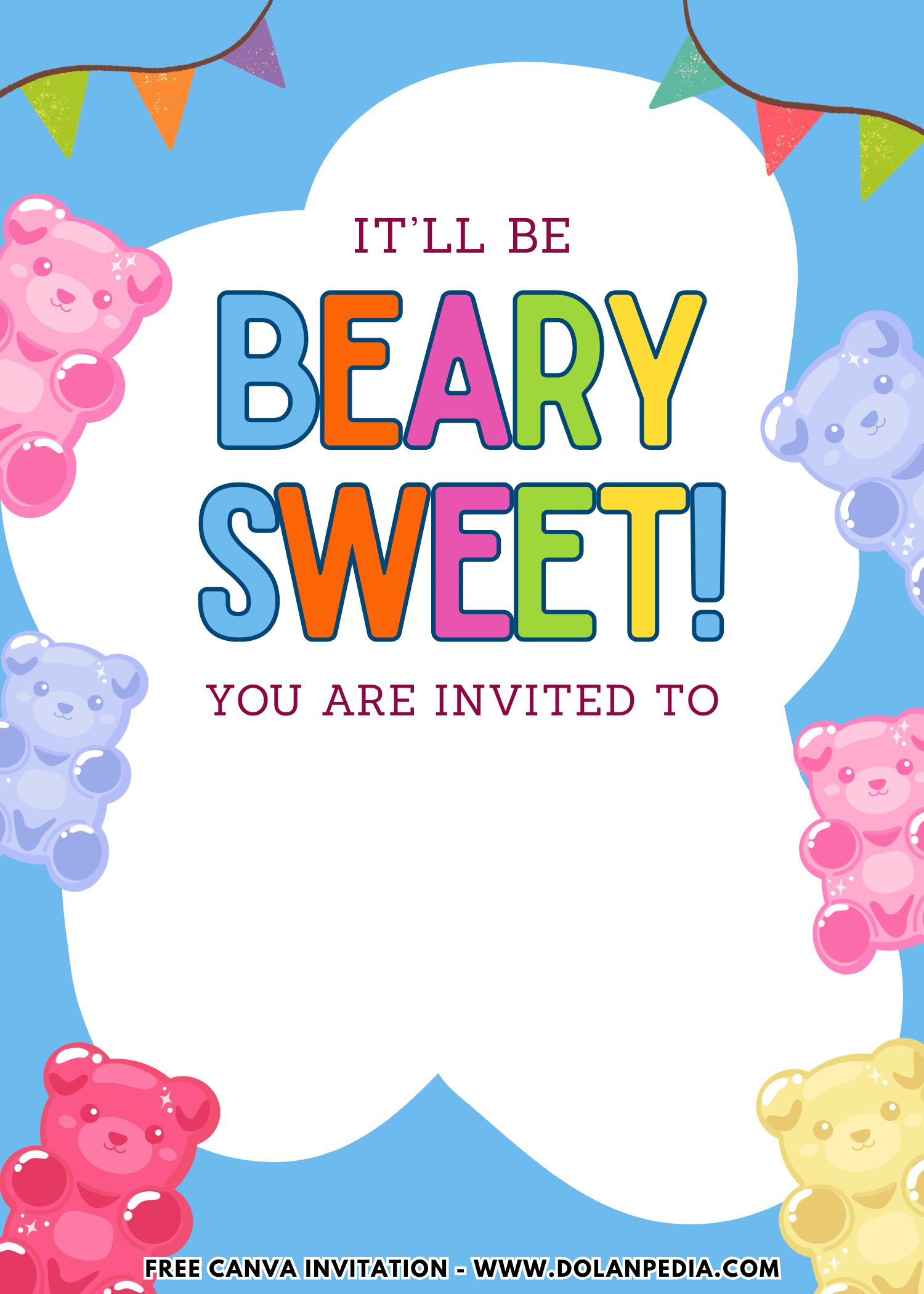
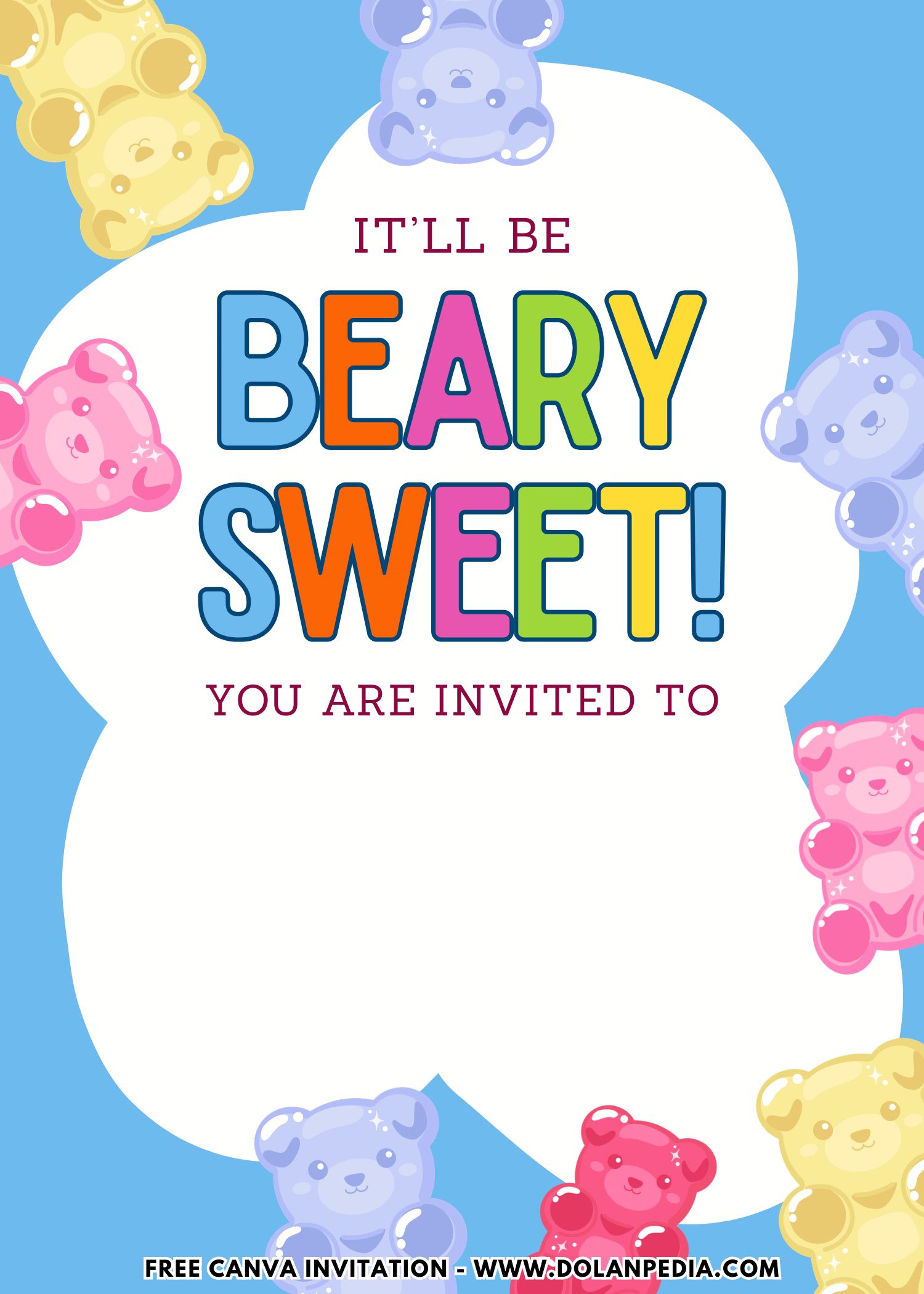
Okay so before anyone even shows up to my Gummy Jelly Bear Party, the invitation already did half the work for me. I remember staring at the design thinking wait this is actually so cute I might be more excited than my kid. The headline had this funny little pun that made me smile instantly and I knew other moms would get it too. It set the tone right away like okay this party is going to be fun and not overly serious.
Then you see the gummy bears front and center all bright and colorful and somehow they look adorable without looking like they will stick to your fingers. It gave that perfect playful vibe without feeling messy. The text was bold and easy to read which honestly matters more than we admit because no one wants to squint at tiny details while multitasking.
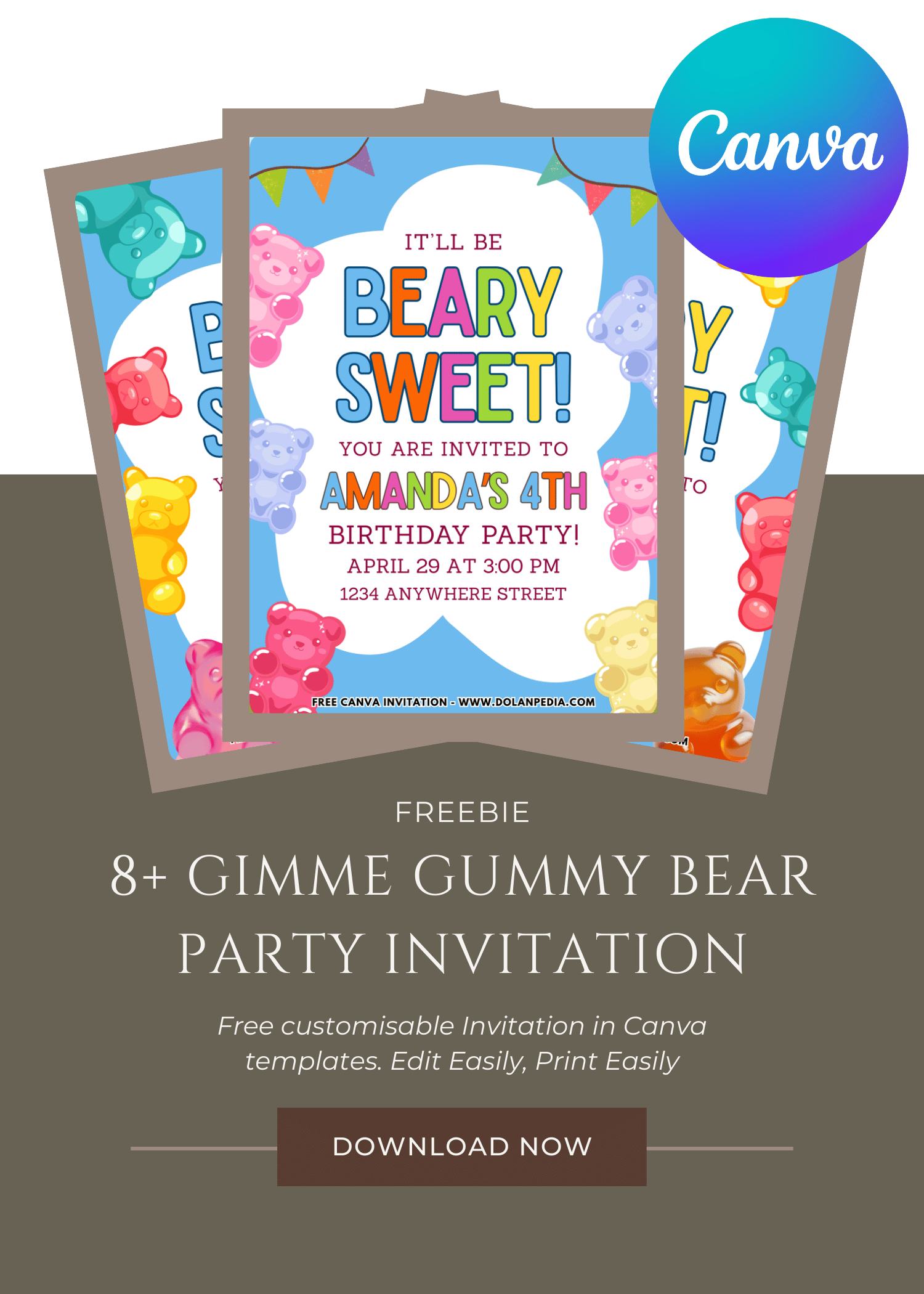
CUSTOMIZE AND DOWNLOAD YOUR INVITATION NOW ON CANVA
A Quick Mom-Friendly Guide
- Scroll up the page and find the “Customize & Download on Canva” button. That’s your starting point for creating the invitation.
- Click the button and wait a few seconds while the Canva page loads. You will see a preview of the invitation template design.
- Click “View Template” to open the editable version of the design.
- Personalize the invitation by adding your child’s name, party date, time, and location. You can also adjust the font size, colors, or wording to match your party theme.
- Once everything looks perfect, download your invitation by going to File, then Download, and selecting your preferred file type. PNG usually works best because it keeps the image clear and sharp.
- Save the file to your computer so it’s ready for printing or sharing digitally with friends and family.
- Now your invitation is ready to print or send. Easy, quick, and perfect for busy moms who still want their party to look adorable.
How to Print Your Invitation
- First, make sure the invitation file is saved on your computer. If you just downloaded it from Canva, it should already be in your Downloads folder.
- Open File Explorer on your computer and locate the invitation image file.
- Double click the file to open it in your computer’s photo viewer. Most Windows computers will open it in Windows Photo Viewer or the default photo app.
- At the top of the screen, click the Print option.
- Choose the printer you want to use. If you want bright and colorful invitations, make sure you select a color printer.
- Select the print size you prefer. Many moms like using photo paper or thicker cardstock to make the invitations feel a little more special.
- Check the “Fit picture to frame” option if you want the design to fill more of the page. Sometimes this helps reduce white borders, but it may trim a tiny bit of the edges.
- Once everything looks good, click Print.
And just like that, your invitations are ready to hand out. Slip them into envelopes, pop them into backpacks, or hand them to other moms during school pick up. One more party task checked off the list.
Speaking of party invitation, we avoid to see anything basic, especially when it comes to birthday celebration. By unusual, I mean something that isn’t typical Floral or Disney theme, but rather something like what’s in this page or maybe you want to see other themes like Candy Theme and My Little Pony themed birthday invitation templates.
The Gummy Dream Cake Moment
Now let’s slow down for a second, because the cake at a Gimme Gummy Bear Birthday party deserves its own spotlight. Even though kids are busy running around and comparing gummy colors, there is always that one magical pause. The music lowers. The candles are lit. Everyone gathers. And suddenly the cake becomes the emotional center of the room. For a gummy bear party, the cake should feel like it belongs inside a candy store window. Bright. Glossy. Playful.
One of my favorite approaches is a tall round cake covered in smooth buttercream in soft pink or sky blue. Then, around the sides, oversized gummy bear toppers are arranged like they are climbing up the cake. It looks like a sugar takeover in the cutest way possible.
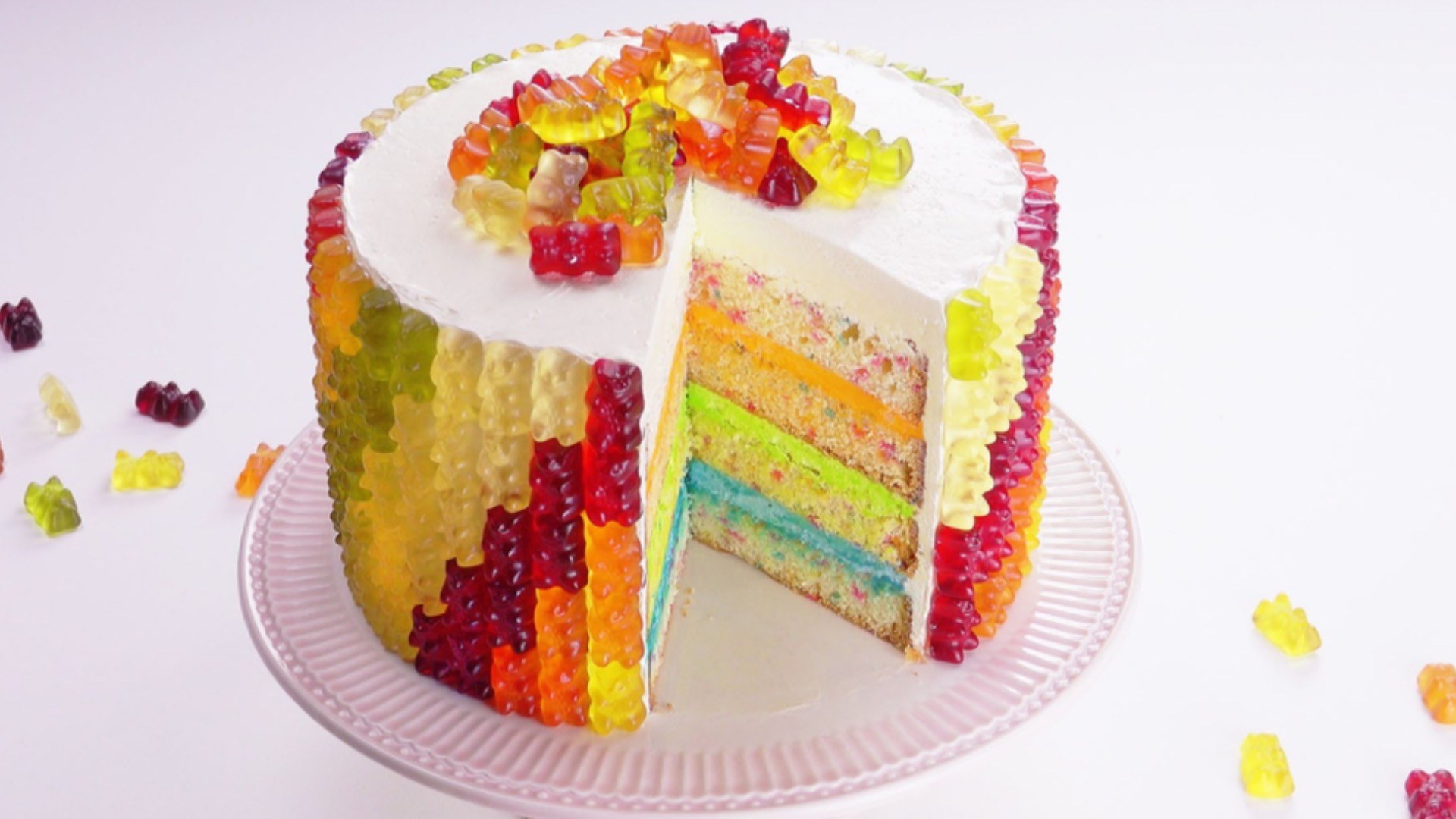
Credit: Gummy Bear Rainbow Cake by scrumdiddlyumptious
If you want something even more dramatic, you can create a “giant gummy bear illusion cake.” Use shiny glaze over brightly colored frosting so it looks slightly translucent. Add edible glitter for that candy sparkle. Kids will stare at it like it is an actual giant gummy. And here is something important I always tell moms. The cake does not need to be bakery-level complicated. It needs to feel consistent with your theme.
The Sweetest Ending
By the time the last gummy bear has been eaten and the balloons start gently drooping, something shifts. The noise fades. The sugar rush settles. And you are left standing in a room that looks slightly chaotic but feels completely full. Because what stays with you is not whether the balloon arch was symmetrical. It is not whether the cake frosting was perfectly smooth. It is the way your child laughed while holding a handful of gummy bears.