FREE Enchanted Wizard Party Invitation Template
What Makes a Wizard Party Feel So Magical
Okay so let me tell you how I ended up planning an Enchanted Wizard Party and suddenly feeling like I was living in a fantasy movie on a budget. It started with me wanting something different and a little magical for a baby shower. Not the usual pastel everything. I wanted cozy lights a little mystery and that feeling like you just walked into a storybook. And somehow this theme just clicked right away.
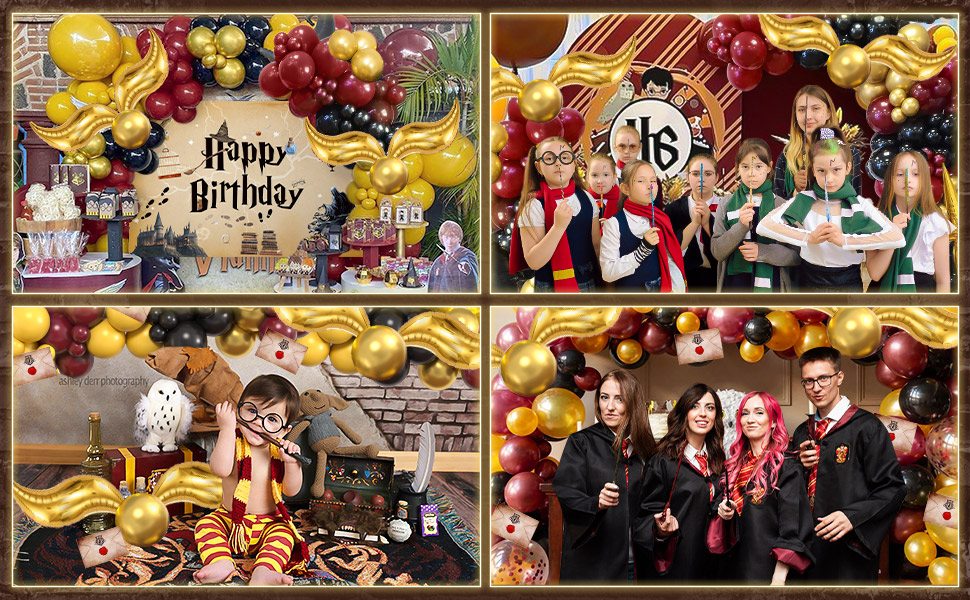
Credit: Harry Potter Theme Birthday Decorations Magic by saimpl.com
How Did This Invite Make My Party Feel Like a Storybook
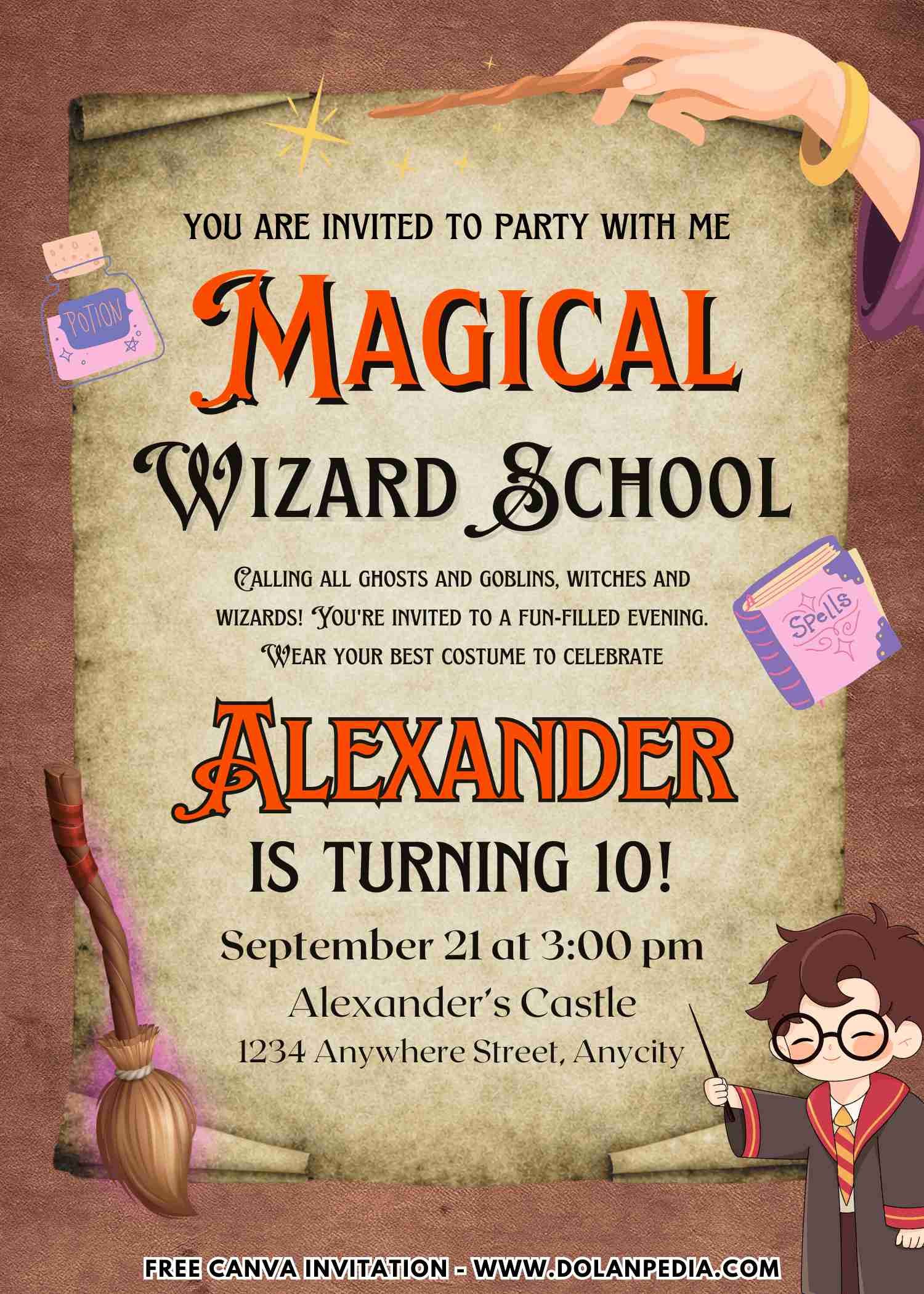
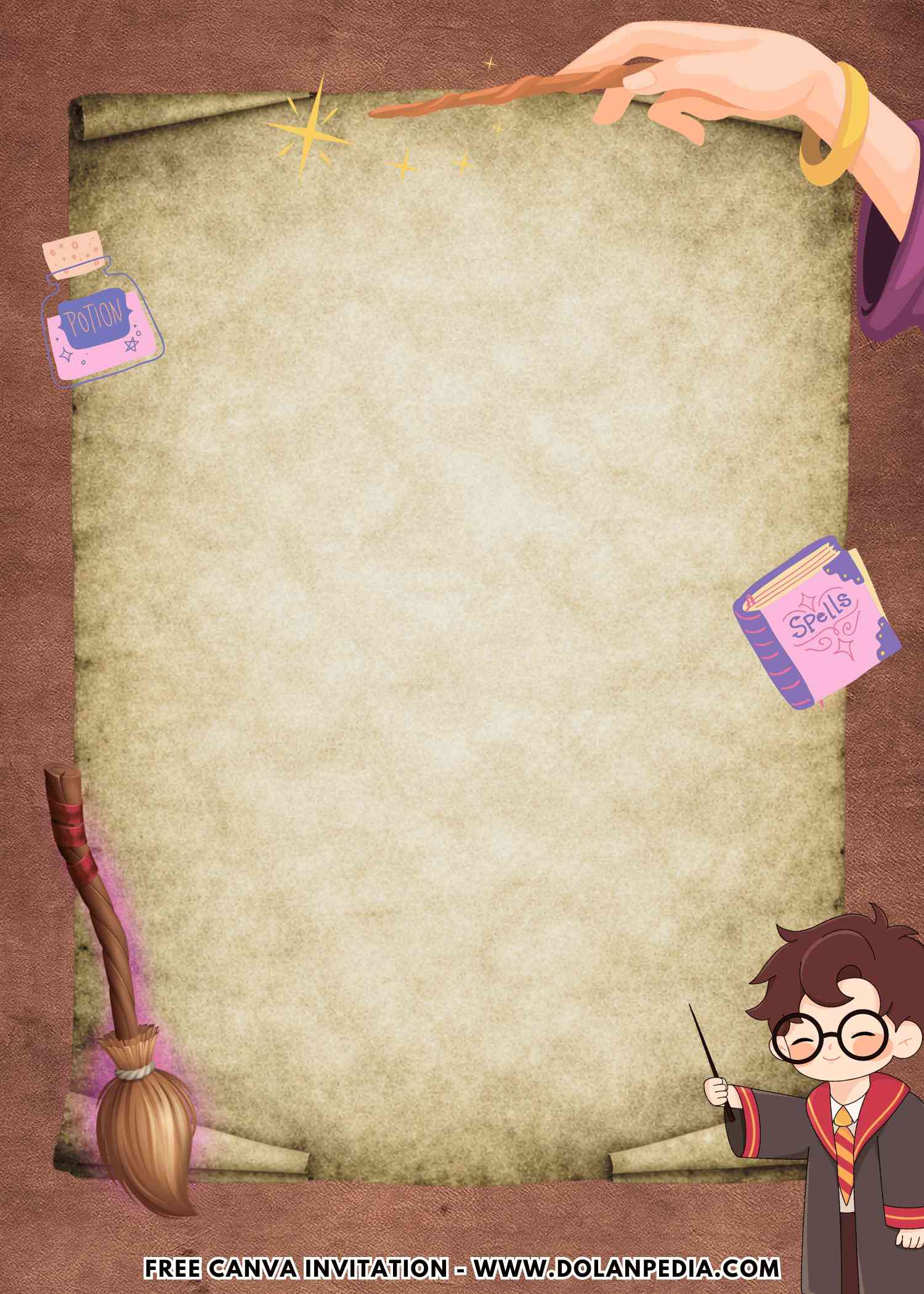
The colors are rich and cozy with that red and gold vibe and the font just pulls everything together. It feels magical without being too dark or scary which is perfect for a baby shower. And the little details like the crystal ball the spell book and tiny sparkles make it feel like a whole story is starting before the party even begins.
And here is what I noticed right away. When people get an invite like this they already understand the vibe. You do not have to explain anything. Suddenly guests are showing up in cozy outfits or a little themed without you even asking. It is like the invitation quietly tells everyone what to expect and makes your life easier.
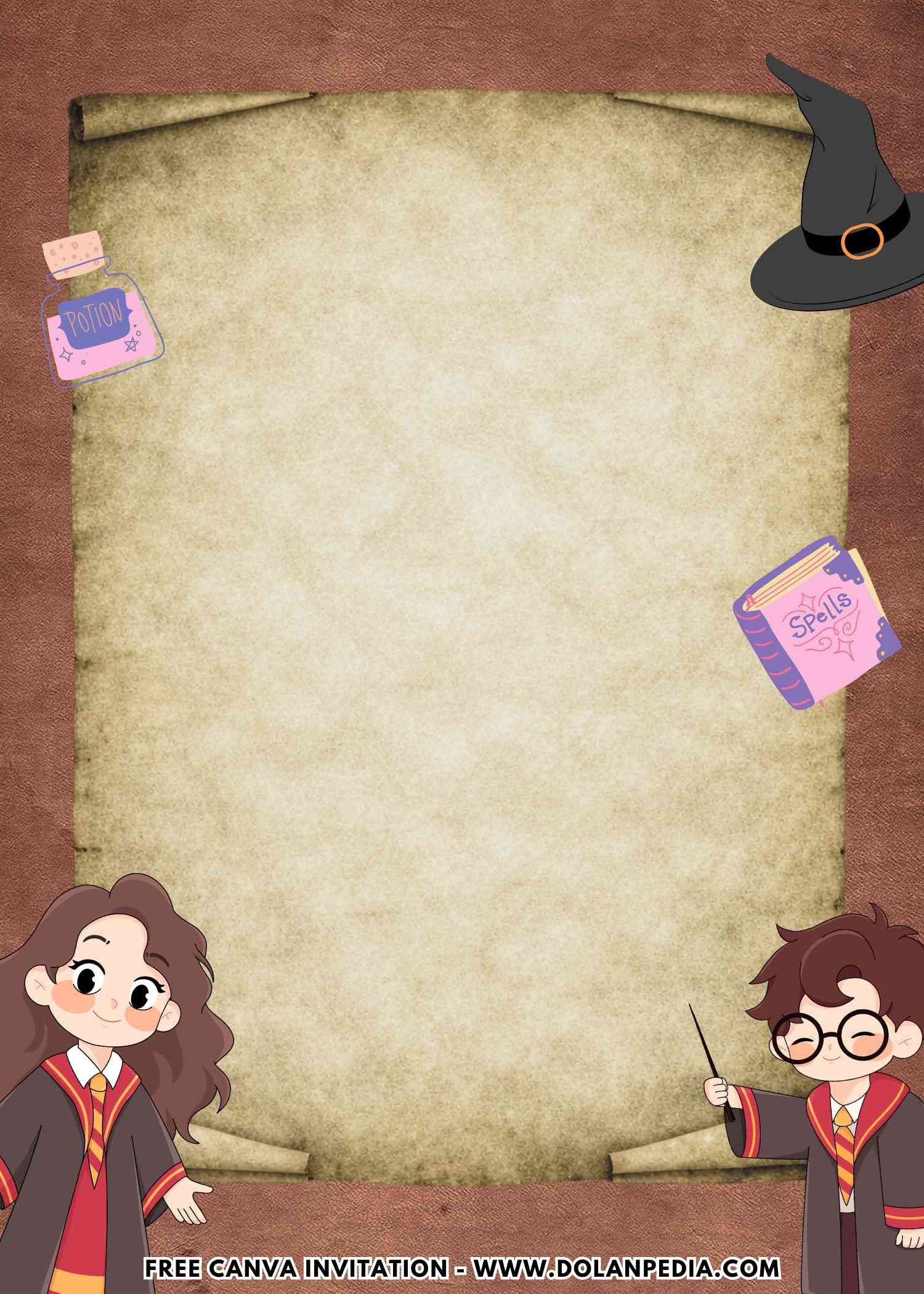
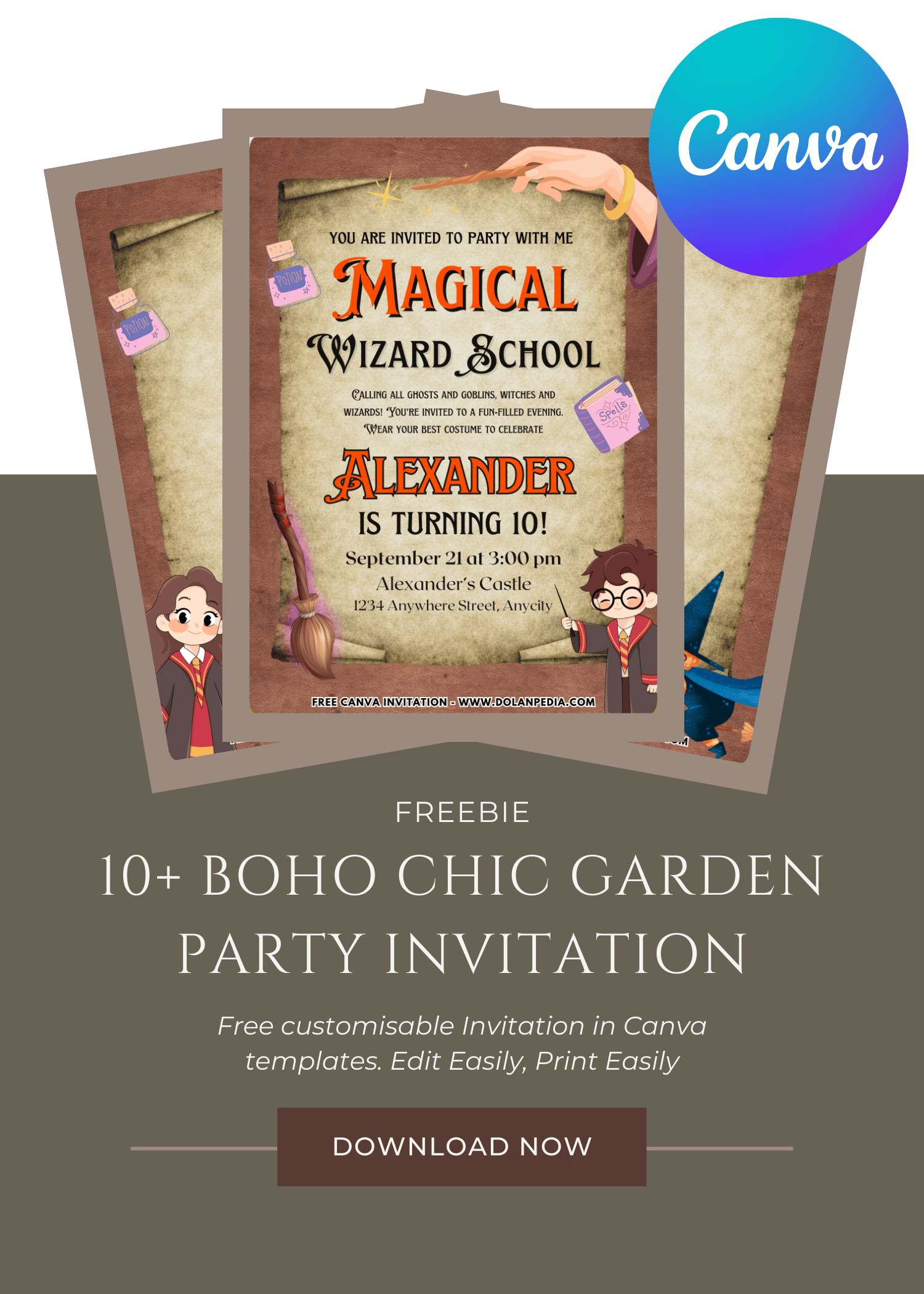
CUSTOMIZE AND DOWNLOAD YOUR INVITATION NOW ON CANVA
A Quick Mom-Friendly Guide
- Scroll up the page and find the “Customize & Download on Canva” button. That’s your starting point for creating the invitation.
- Click the button and wait a few seconds while the Canva page loads. You will see a preview of the invitation template design.
- Click “View Template” to open the editable version of the design.
- Personalize the invitation by adding your child’s name, party date, time, and location. You can also adjust the font size, colors, or wording to match your party theme.
- Once everything looks perfect, download your invitation by going to File, then Download, and selecting your preferred file type. PNG usually works best because it keeps the image clear and sharp.
- Save the file to your computer so it’s ready for printing or sharing digitally with friends and family.
- Now your invitation is ready to print or send. Easy, quick, and perfect for busy moms who still want their party to look adorable.
How to Print Your Invitation
- First, make sure the invitation file is saved on your computer. If you just downloaded it from Canva, it should already be in your Downloads folder.
- Open File Explorer on your computer and locate the invitation image file.
- Double click the file to open it in your computer’s photo viewer. Most Windows computers will open it in Windows Photo Viewer or the default photo app.
- At the top of the screen, click the Print option.
- Choose the printer you want to use. If you want bright and colorful invitations, make sure you select a color printer.
- Select the print size you prefer. Many moms like using photo paper or thicker cardstock to make the invitations feel a little more special.
- Check the “Fit picture to frame” option if you want the design to fill more of the page. Sometimes this helps reduce white borders, but it may trim a tiny bit of the edges.
- Once everything looks good, click Print.
And just like that, your invitations are ready to hand out. Slip them into envelopes, pop them into backpacks, or hand them to other moms during school pick up. One more party task checked off the list.
Speaking of party invitation, we avoid to see anything basic, especially when it comes to birthday celebration. By unusual, I mean something that isn’t typical Floral or Disney theme, but rather something like what’s in this page or maybe you want to see other themes like Harry Potter and Adorable Harry Potter themed birthday invitation templates.
How Did I Turn a Simple Cake Into Something Magical
Okay so let’s talk about the cake because yes even at an Enchanted Wizard Party this is the moment everyone pulls out their phones. I told myself I would keep it simple this time and not get influenced by those over the top cakes online. But of course I still scrolled a little and almost convinced myself I needed something dramatic with perfect details.
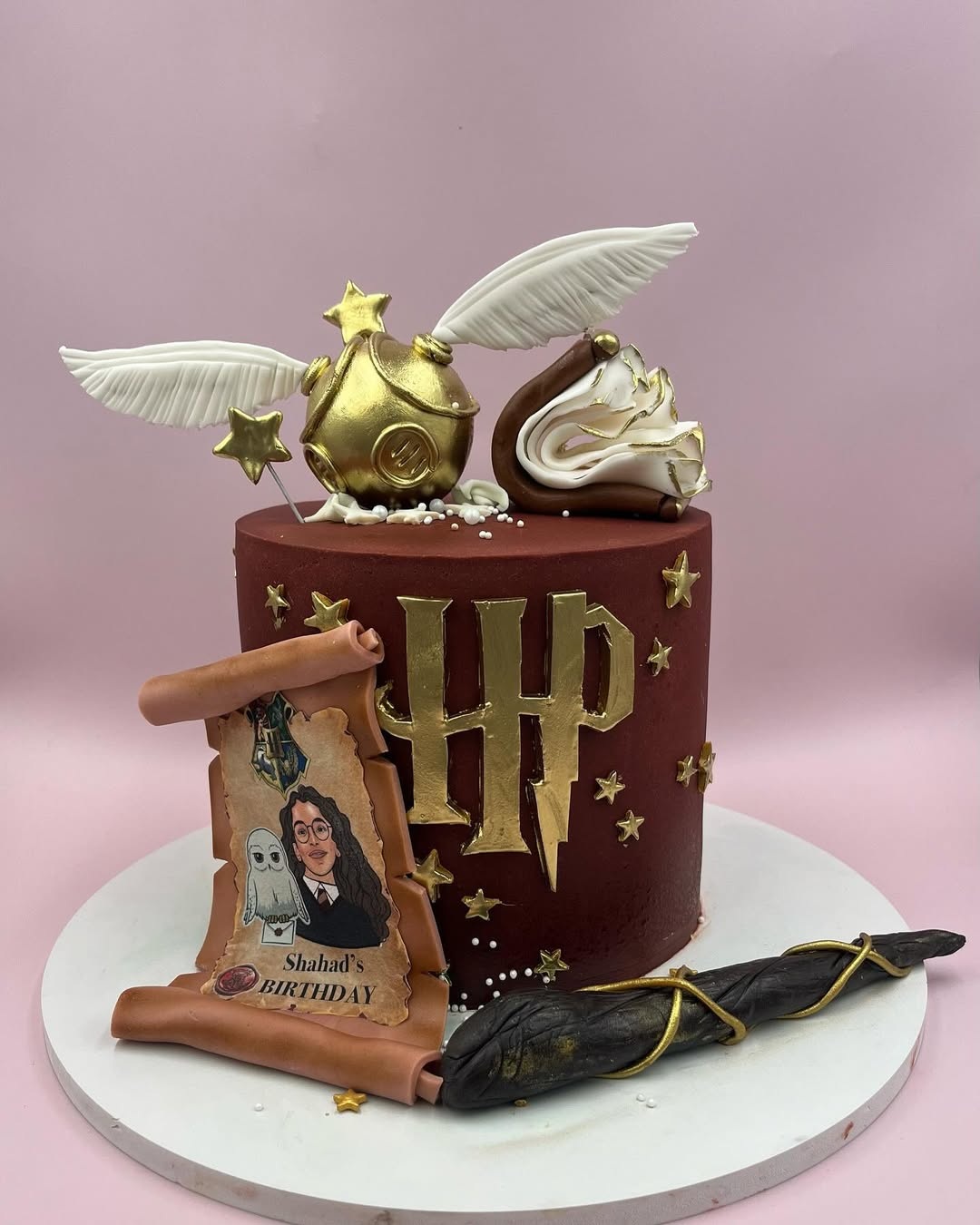
Credit: Harry Potter Theme Cake! by @cake_land.ae on Instagram
Then reality kicked in and I remembered I just need something that looks magical not stressful. So I grabbed a simple cake and gave it a little glow up. I went with darker colors like navy and added some gold details that looked slightly uneven but somehow made it feel more magical. Like it was supposed to look that way.
Would I Do This Wizard Party All Over Again
Okay so after hosting this Enchanted Wizard Party, when everything finally slowed down, I just stood there looking at the space like wait… where did all the magic go. The candles were down the table was half empty and somehow the cake disappeared in five minutes like always. And yes I was tired but also kind of emotional in that quiet mom way.
I kept thinking how easy it actually was to pull together. No crazy budget no complicated setup. Just a few simple ideas a little creativity and that first invitation that made everything feel real from the start. So if you are thinking about it just go for it. Open the template light a few candles call it a potion table and enjoy it. Because the magic is not in how perfect it looks. It is in the moment you create and trust me that part stays with you way longer than any decoration.